
Fleet Tracking Integrations: Guide for UK Fleets
Map core fields, set Europe/London time, limit access and test in small pilots to avoid payroll, compliance and GDPR errors.
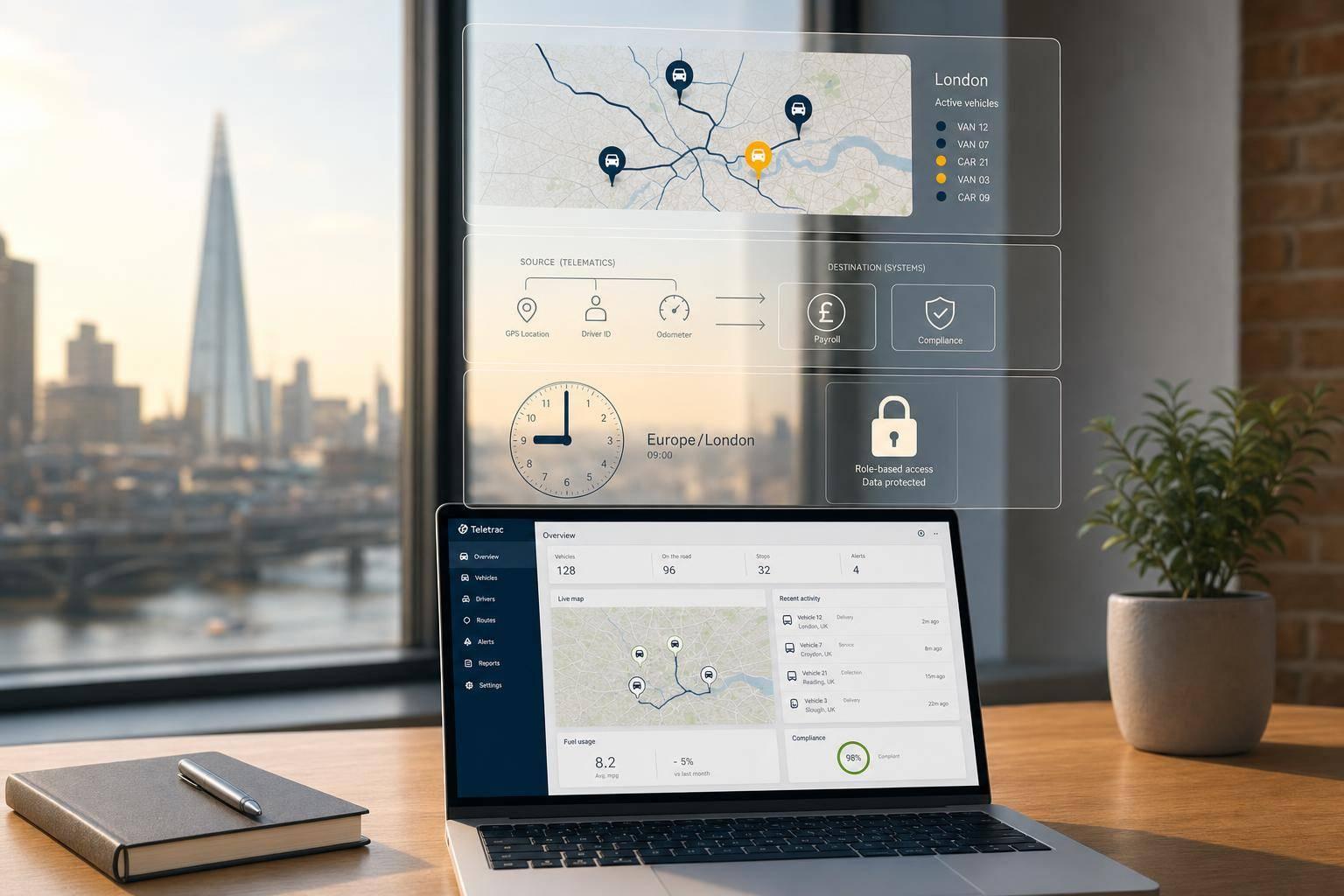
If I had to sum this up in one line: connect your tracking system to payroll, maintenance, dispatch and finance only after I’ve fixed field mapping, access rules and test checks.
Most fleet issues here come from three simple faults: wrong data fields, poor time settings, and too much access to driver data. In this guide, I’d focus on the parts that matter most for a UK fleet: API or webhook choice, Europe/London timestamps, UK GDPR controls, pilot testing, and staged rollout.
Here’s the short version:
- Use webhooks for alerts that need action straight away, like theft or geofence events
- Use APIs when another system needs data on request, like odometer or trip history for rental fleets
- Use scheduled syncs for reports, such as daily mileage or monthly fuel use
- Map core fields first, including VRN, VIN, driver ID, GPS, odometer and timestamps
- Set time to Europe/London to avoid GMT/BST payroll and compliance errors
- Start with one-way data flow before moving to two-way job updates
- Test with a small pilot, not the full fleet
- Limit access because driver-linked telematics data is personal data under UK GDPR
- Check security basics, such as TLS 1.2+, audit logs, uptime and retention settings
A lot of fleets already have the data. The problem is that it sits in silos, which leads to extra admin, missed service work, payroll disputes and weak reporting. A clean integration can cut those issues, but only if I keep the setup simple and controlled from day one.
That’s the core idea of the article: make the data move cleanly, keep the rules tight, and roll out in small steps.
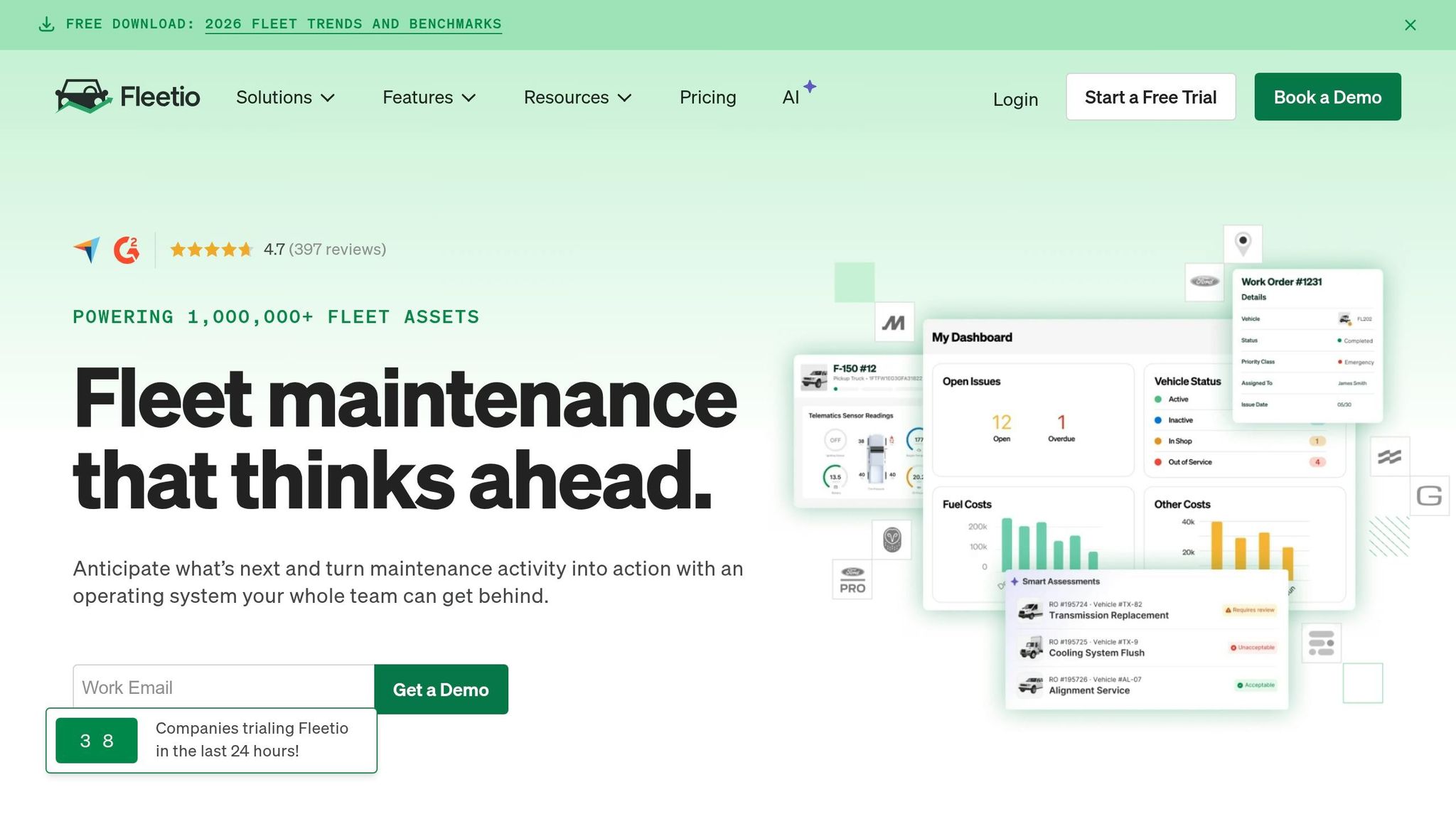
Integrating Telematics Data into Fleet Management Software | Fleetio
How telematics data moves between systems
A tracker collects GPS, speed, odometer, ignition status, driver behaviour and diagnostics. It then sends that data over 4G mobile data to the telematics platform, where everything is standardised and matched to the correct vehicle and driver.
That single data path does a lot of heavy lifting. It cuts manual entry, helps dispatch move faster and keeps compliance records cleaner. Once that path is in place, the next job is simple to state but easy to get wrong: decide which fields each system should share.
APIs, webhooks and scheduled syncs
Telematics data usually reaches other systems in three ways.
REST APIs let connected systems ask for data when they need it. That works well when a maintenance platform needs the latest odometer reading for a specific van, or when a planning tool pulls yesterday's route history.
Webhooks do the reverse. The telematics platform sends a notification to your system the moment a set event happens, such as a vehicle entering or leaving a geofence, ignition on or off, an SOS trigger or a theft alert. That makes webhooks a good fit for same-day delivery monitoring and stolen vehicle alerts.
Scheduled syncs are better for data that does not need instant action. Think nightly mileage exports, weekly driver performance summaries or monthly fuel consumption reports sent to a BI tool.
Use:
- Webhooks for urgent events
- APIs for on-demand data
- Scheduled syncs for reporting
That choice matters later, because it affects how you map fields and set sync rules.
Key data fields to map before setup
Before any integration goes live, agree exactly how fields in the telematics platform map to fields in the receiving system. This is one of the main places projects drift off course. If the mapping is wrong at rollout, the errors do not stay small. They spread into payroll, compliance and billing.
The main fields that usually need mapping are VRN, VIN, driver ID, GPS coordinates, odometer reading, event type and timestamp.
For job and workforce systems, add:
- MOT due date
- Vehicle Excise Duty (VED) expiry
- Service interval mileage
That way, telematics data can also support compliance scheduling.
Set all timestamps to Europe/London to avoid GMT/BST errors in payroll and compliance records.
One-way versus two-way integrations
Most fleets start with a one-way flow and only add reverse updates where day-to-day work needs them. In a one-way integration, telematics data moves out into maintenance, compliance, payroll or finance software, while the telematics platform acts only as a data source. For most teams, that is the easiest place to begin.
Two-way integrations go a step further. A route planning or job dispatch system sends jobs, planned routes and status updates back into the telematics platform. Drivers then receive work through their in-cab device, and the tracking system shows live job progress.
This setup can be powerful, but it needs discipline. Two-way links need a single source of truth, clear status ownership and audit logs for every change. That matters most when two systems clash over something like delivery status after a job has been marked complete.
How to set up a fleet tracking integration
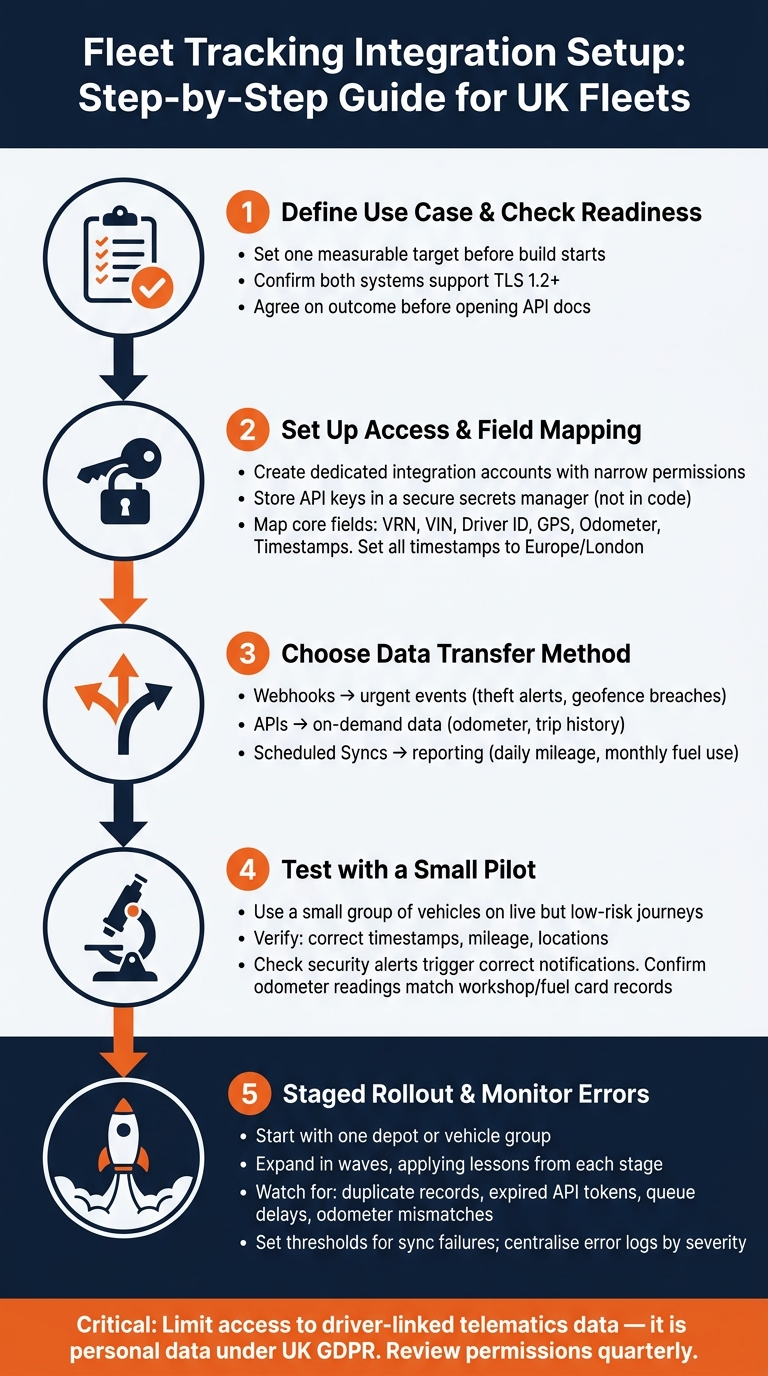
Fleet Tracking Integration Setup: Step-by-Step Guide for UK Fleets
Once you've agreed the integration model, the next step is build and testing.
Define the use case and check system readiness
Start by getting clear on what the integration is meant to do. Don't jump straight into the API docs. First, agree on the outcome.
For many UK fleets, the first use cases are pretty practical:
- implementing white-label van tracking solutions to cut manual data entry
- automating compliance reporting
- speeding up security alerts
- linking mileage data to payroll and billing
Each one needs different data, and each one has its own pace for updates.
Before build starts, set one measurable target. That gives the project a clear job to do. Once the data flow is chosen, move into setup and check that both systems can exchange the data this use case depends on. Also confirm that both support TLS 1.2 or higher for data in transit.
Set up access, field mapping and test data
Create dedicated integration accounts in both systems. Keep permissions as narrow as possible. Store API keys in a secure secrets manager, not in code, and put a rotation policy in place. If you're using OAuth 2.0, limit scopes to the operations you need.
Next, sort out your field mapping document before development begins. This step saves a lot of pain later. Pick one primary key - usually the telematics vehicle ID or a shared fleet asset ID - and use it the same way in both systems. That's one of the best ways to avoid duplicate records.
Time handling matters too. Use Europe/London time and UK date and time formats so the data lines up with payroll and compliance reporting.
For testing, begin with a small pilot group of vehicles and use live but low-risk journeys. Then check the exact fields from your mapping document before a broader rollout. In plain terms, make sure:
- completed trips show the right timestamps, mileage and locations
- security alerts create the correct notifications in the destination system
- odometer readings match workshop or fuel card records
Roll out in stages and monitor errors
When the test data is clean, roll out in stages. Start with one depot or one vehicle group, not the whole fleet. A pilot in a single location gives you a safer way to see how the integration behaves in day-to-day use. Once it settles down, expand in waves and apply what you learn from each wave before moving to the next.
The main errors are usually predictable. Watch for duplicate vehicle records caused by inconsistent identifiers, failed syncs when an API token expires, queue delays, and odometer mismatches caused by unit or mapping mistakes.
Set clear thresholds for sync failures and odometer variance. Centralise error logs and filter them by severity. Critical failures - especially anything tied to security alerts or compliance events - should trigger immediate notifications to both IT and operations. Keep a full audit trail of every configuration change.
User access, alerts and reporting across integrated systems
Once the integration is live, the focus shifts from moving data to controlling it: who can see it, who needs to act on it, and who should receive reports.
Set user roles and control sensitive data
Define cross-system roles before you set permissions. Common roles include fleet manager, dispatch, finance, workshop and senior leadership.
When the syncs are stable, decide who can use which data. Keep access tight. Dispatch should see live vehicle positions. Finance should see mileage and fuel totals. Workshops should see odometer readings and fault data.
Driver-linked telematics counts as personal data, so handle it with care. Record your lawful basis, complete a DPIA for higher-risk monitoring, and make it clear who can access that data. Review access every quarter and remove permissions as soon as staff change roles or leave.
Route alerts into day-to-day workflows
Once permissions are in place, send each alert type to the team and system that can deal with it.
Integrated alerts only matter if they lead to action in the right place. Send critical alerts as immediate notifications. Send operational alerts into tickets. Send informational alerts in daily digests. Set thresholds and escalation rules so teams don't get swamped by noise.
Build reports that combine tracking, cost and compliance data
The same event data should also feed scheduled reports.
Standalone tracking reports show where vehicles went. Combined reports show what that cost and whether it met compliance rules. For UK fleets, the most useful reports bring together telematics data with cost and compliance records from connected systems. The table below shows the report types that tend to matter most in day-to-day fleet management.
| Report type | Source data | Update frequency | Why it matters for UK fleets |
|---|---|---|---|
| Mileage report | Odometer, trip distance, driver/vehicle logs | Daily or scheduled | Supports cost control, lease management and duty checks |
| Utilisation summary | Journeys, idle time, vehicle status | Daily or weekly | Shows whether vehicles are underused or overworked |
| Fuel and idling analysis | Fuel card data, engine-on/off events, idle duration | Daily or weekly | Cuts fuel spend and supports emissions and air quality targets |
| Service schedule | Mileage intervals, time intervals, fault codes | Event-based and scheduled | Helps prevent missed MOTs and statutory inspections |
| Exception report | Speeding, geofence breaches, harsh driving, unauthorised movement | Near real-time | Lets teams act on risk without checking every journey |
| Incident log | Collision alerts, GPS location, sensor or camera triggers | Immediate | Speeds up insurance handling and investigation |
| Compliance report | Licence checks, MOT status, road tax, policy actions | Scheduled | Shows governance and helps avoid missed deadlines |
Schedule core reports to run automatically and export them as Excel or PDF. Send users only the alerts and summaries they can act on, while keeping the full dataset available for deeper investigation.
Checks before adding new software and final takeaway
Technical, security and process checks
Before you add another system to your fleet stack, make sure it can share data cleanly, stay secure and slot into the way your team already works. That sounds obvious, but this is where plenty of problems start. Bad field mapping, failed syncs and extra admin can all creep in before an integration even goes live.
Here’s what to check first:
| Requirement | What to check | Why it matters for UK fleets |
|---|---|---|
| API coverage | Does the software offer documented endpoints, versioning and sandbox access? | Stable, versioned APIs reduce broken syncs and help mixed fleets of vans, cars and HGVs keep running without disruption |
| Supported data fields | Can the API return VRN, VIN, driver ID, GPS coordinates, odometer, CAN data, geofence events and fuel use? | If key fields are missing, you end up with gaps in compliance reports, cost analysis and driver management |
| Rate limits and uptime | What are the request-per-minute caps? Is there a published uptime SLA of at least 99.5%? Does the provider share a status page? | UK fleets often run early in the morning and later into the evening, so downtime or throttling during busy periods can hit dispatch and customer service |
| Encryption and audit logs | Is data encrypted in transit (TLS 1.2+/1.3) and at rest (for example, AES-256)? Are access logs exportable for incident review and audit trails? | Driver location and vehicle data count as personal data under UK GDPR, so exportable logs help with breach checks and compliance records |
| Data retention controls | Can retention periods be configured to match your policy? | Retention periods need to line up with UK GDPR duties and your data minimisation policy |
| Process fit | Does the software support existing workflows - route planning, compliance checks and maintenance scheduling - without forcing duplicate work or spreadsheet fixes? | If a tool creates parallel processes, it’s far less likely to cut admin or show a clear return on investment |
Don’t stop at the sales demo. Use sandbox access to check mapped fields, webhook timing and error responses before sign-off. Then run a short live pilot during actual working hours. That’s the best way to see whether data flow, error handling and alert timing hold up when the day gets busy.
Where GRS Fleet Telematics fits into an integration strategy
Once a new platform clears those checks, the next job is deciding where the telematics layer sits in the rest of the stack.
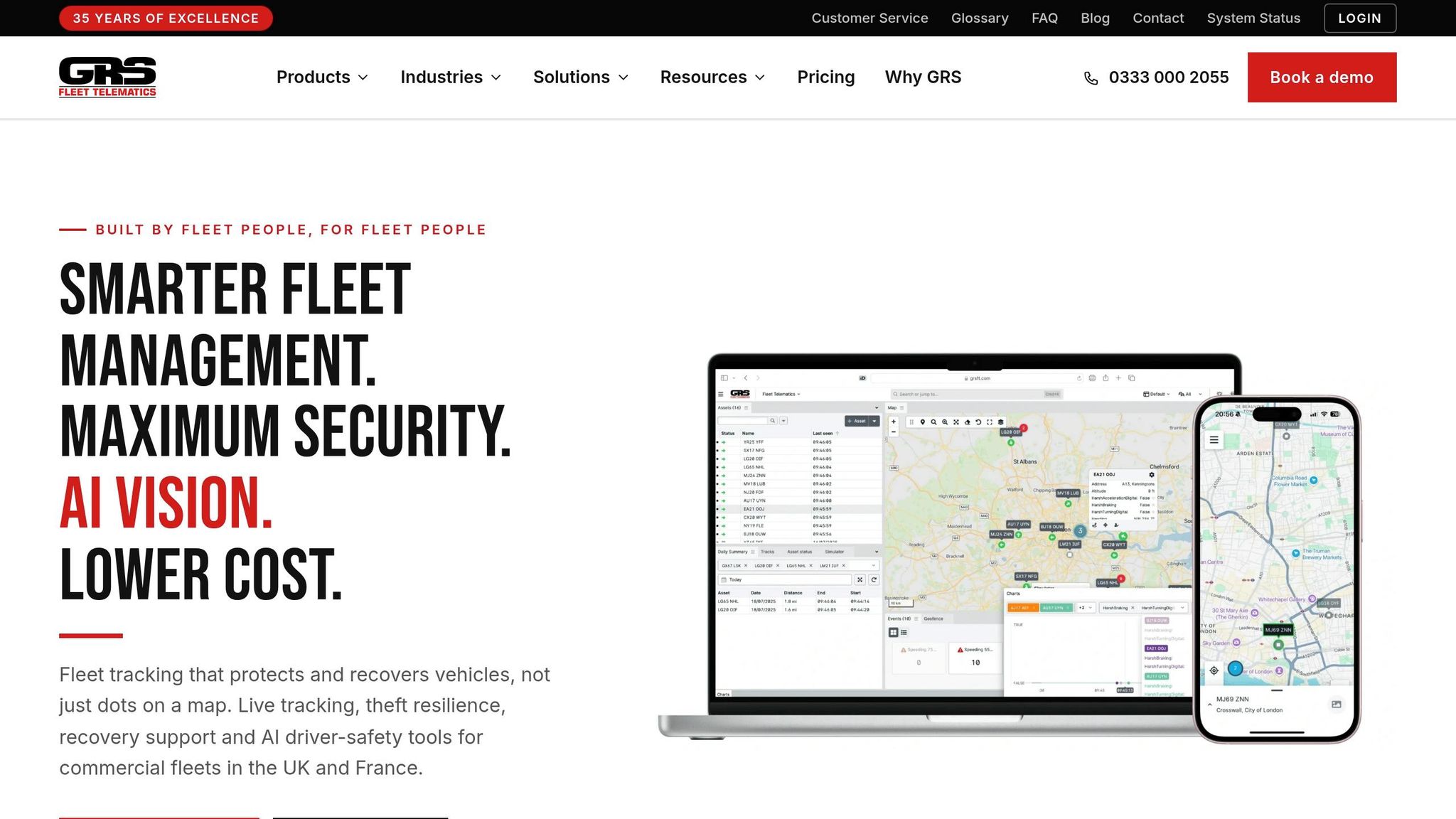
GRS Fleet Telematics fits as the telematics layer that feeds live location, geofence and tamper data into dispatch, maintenance, compliance and reporting systems.
After that piece is in place, the focus shifts to discipline around data mapping, access and reporting.
Conclusion: The key points to get right
Good integrations come down to three things: map fields properly before setup, test everything before rollout, and limit access to sensitive data from day one.
Fleets that stick to those basics usually end up with a stack that cuts admin, improves decision-making and keeps data moving between systems without fuss - instead of a stack that simply gives the team more dashboards to juggle.
FAQs
Which systems should I connect first?
Start by listing the systems you already use, such as TMS, HR, maintenance, and accounting software. Then check how well they fit with your current setup. Some tools come with built-in integrations. Others need custom API work.
Next, focus on the connections that can pay off fastest for the business. That might mean automating mileage claims or cutting fuel costs. For UK operations, make sure the system supports GBP, ISO 8601 dates, and UK GDPR compliance.
How long should a pilot integration run?
There’s no fixed timeline for a pilot integration. What matters is starting with a clear plan, agreeing on measurable outcomes, and testing everything in a sandbox environment with synthetic data before anything goes live.
Before a full rollout, do the planning work properly. That includes a Data Protection Impact Assessment (DPIA) where UK GDPR requires one, so you can cut risk before the integration reaches live systems.
What data should be restricted under UK GDPR?
Under UK GDPR, access to identifiable personal data should be tightly limited. That includes driver details, journey histories, and exact vehicle locations. Because vehicle tracking counts as employee monitoring, this information needs strict privacy protection.
A simple rule works well here: give people and systems access to only what they need. No more than that. If someone doesn’t need to view past location data or send a vehicle immobilisation command, they shouldn’t have that access in the first place.
Use role-based access control to limit sensitive actions, and add multi-factor authentication where it makes sense. Also, log all access so there’s a clear record of who viewed or used what.