Implementation

Fleet tracking implementation without unnecessary downtime.

From package choice to live platform, GRS coordinates rollout, configuration and training so your fleet can get back to work.
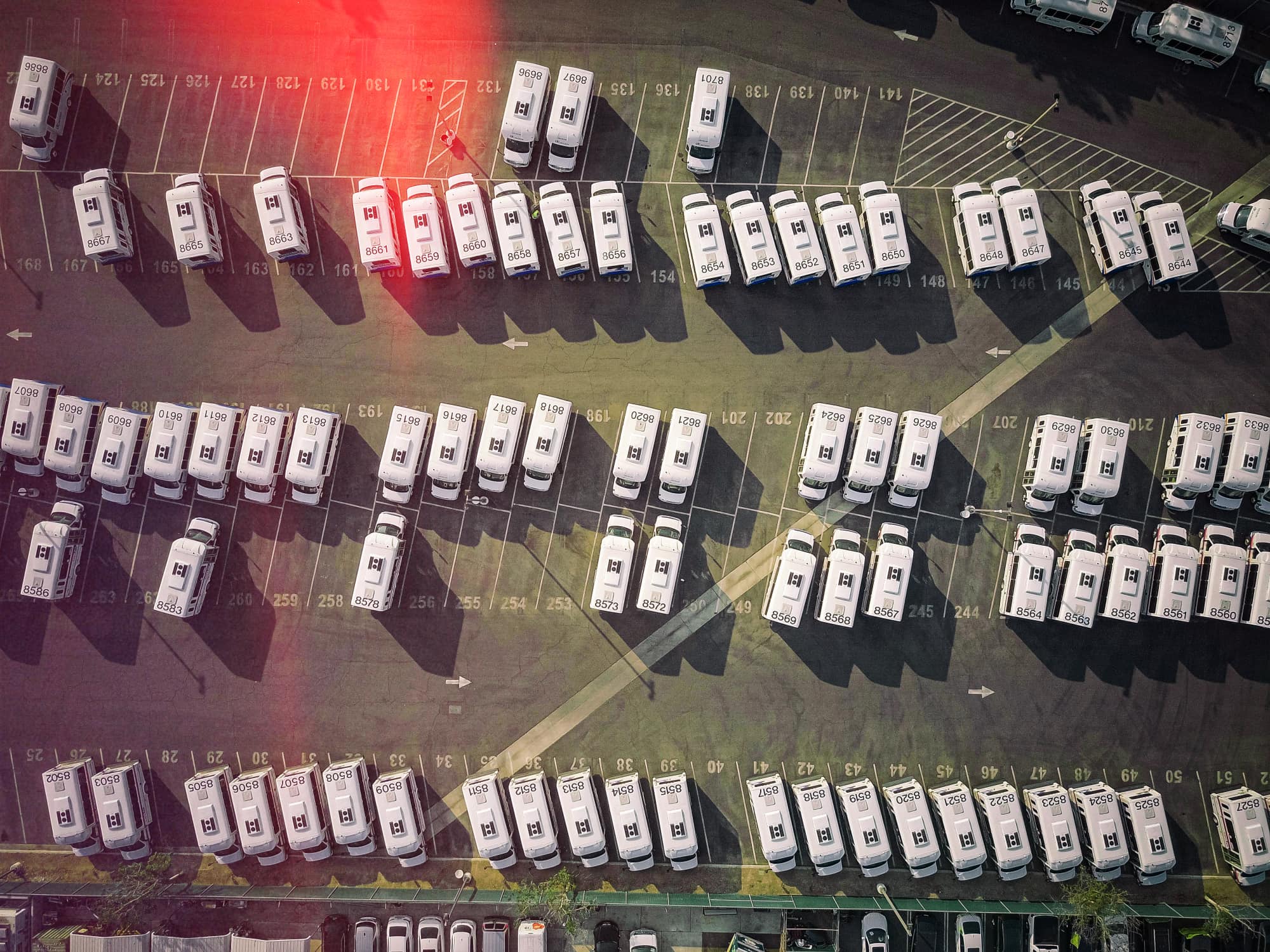
Aerial view of a large van fleet parked in numbered bays at a depot.

From package choice to live platform

  1. Step 1

    Scope the fleet

    Vehicles, locations, risk profile and reporting needs.

  2. Step 2

    Choose Track, Shield, Vision or Vision AI

    Match package to vehicle risk and budget.

  3. Step 3

    Plan installation route

    Coordinated, self-install or staged rollout, depending on fleet.

  4. Step 4

    Configure the platform

    Users, alerts, geofences, dashboards and reports.

  5. Step 5

    Train users

    Practical onboarding for managers and drivers.

  6. Step 6

    Go live and support

    Ongoing UK and France support from GRS.

Deployment options

Installation routes vary. Where fleet branding and telematics are planned together, deployment can be coordinated with GRS Fleet Graphics where appropriate. Self-install is suitable for some hardware and vehicle types.

Coordinated deployment

Planned installation across multiple vehicles and sites.

Self-install

Where suitable, hardware can be fitted by your team.

GRS Fleet Graphics coordination

Combined rollout where branding and telematics overlap.

Coordinated deployment

Branding and telematics, planned together

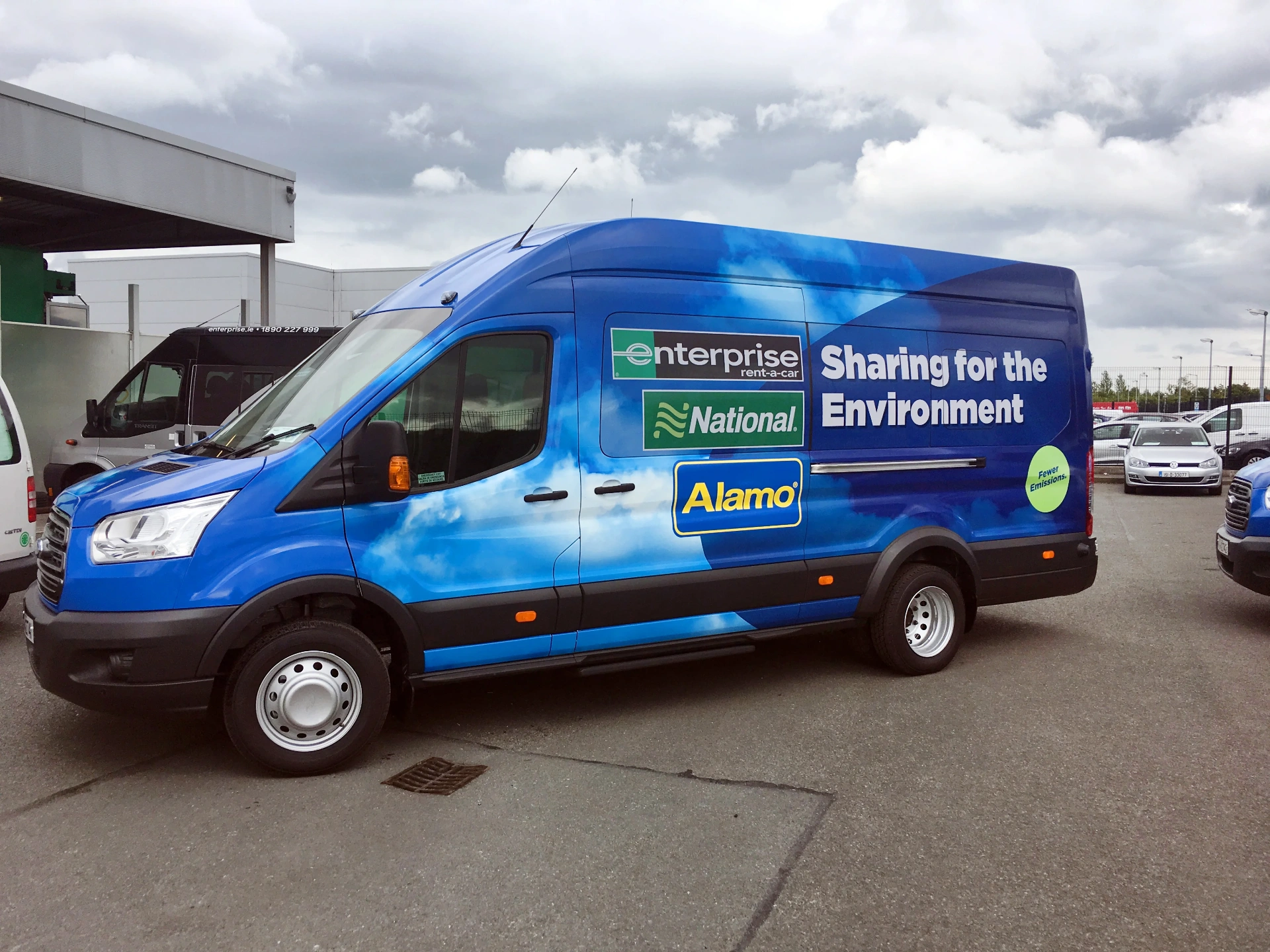
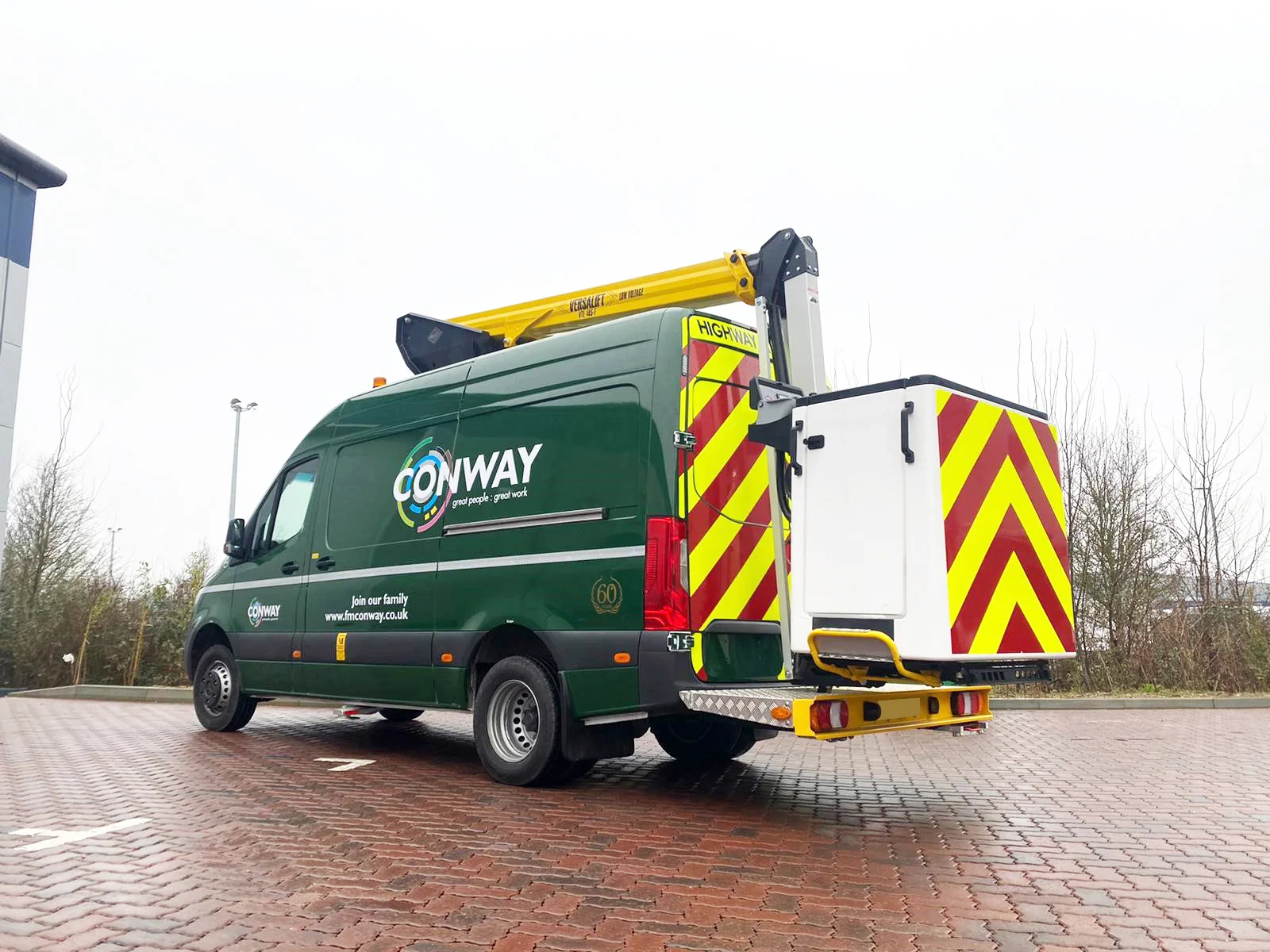
GRS Fleet Graphics, the wider GRS fleet-services business, has worked with fleets since 1991. Portfolio images show vehicle branding work delivered by GRS Fleet Graphics and do not imply those brands are GRS Fleet Telematics customers. Where both are needed, install can be coordinated so vehicles are off the road as little as possible.
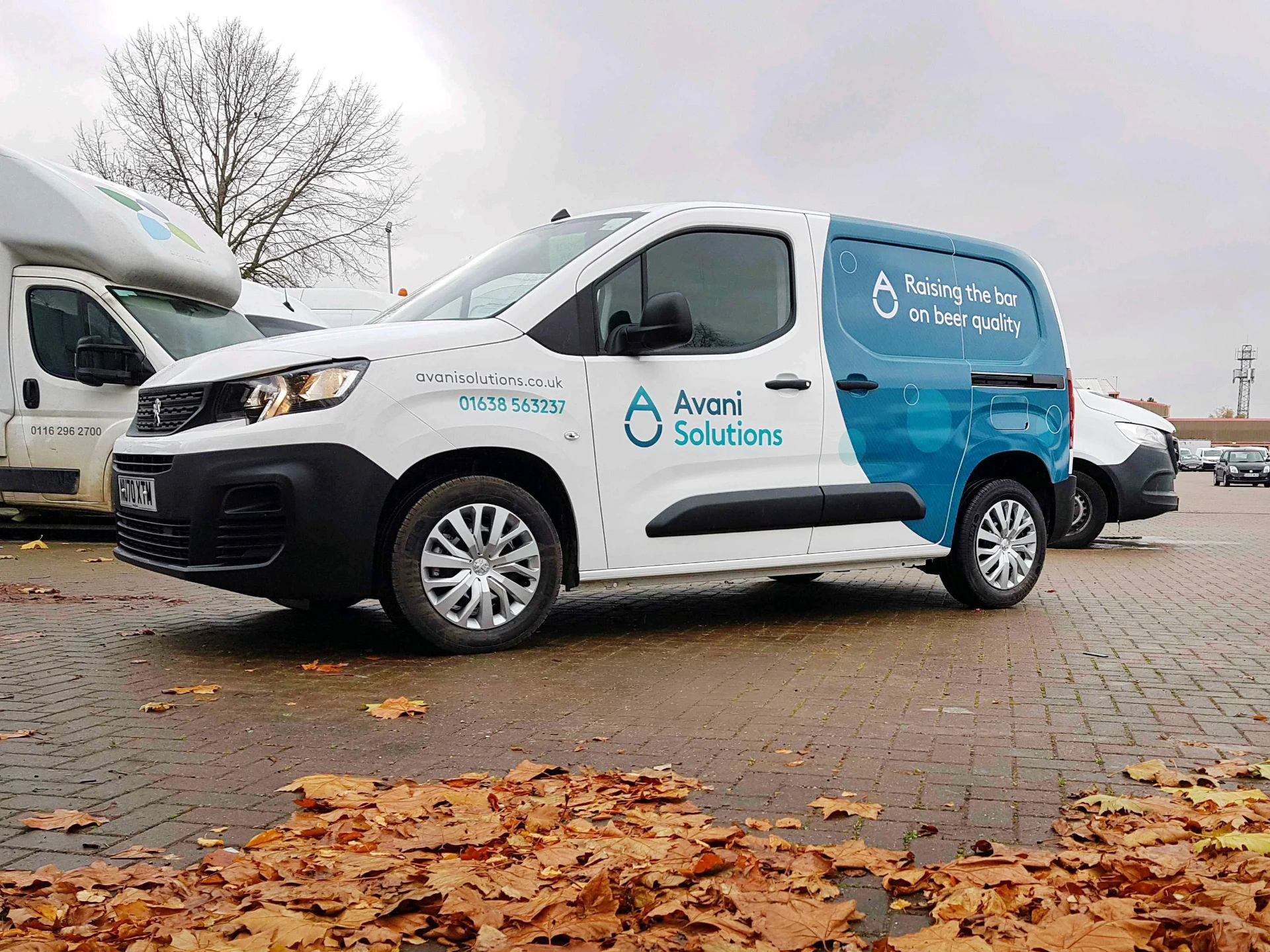
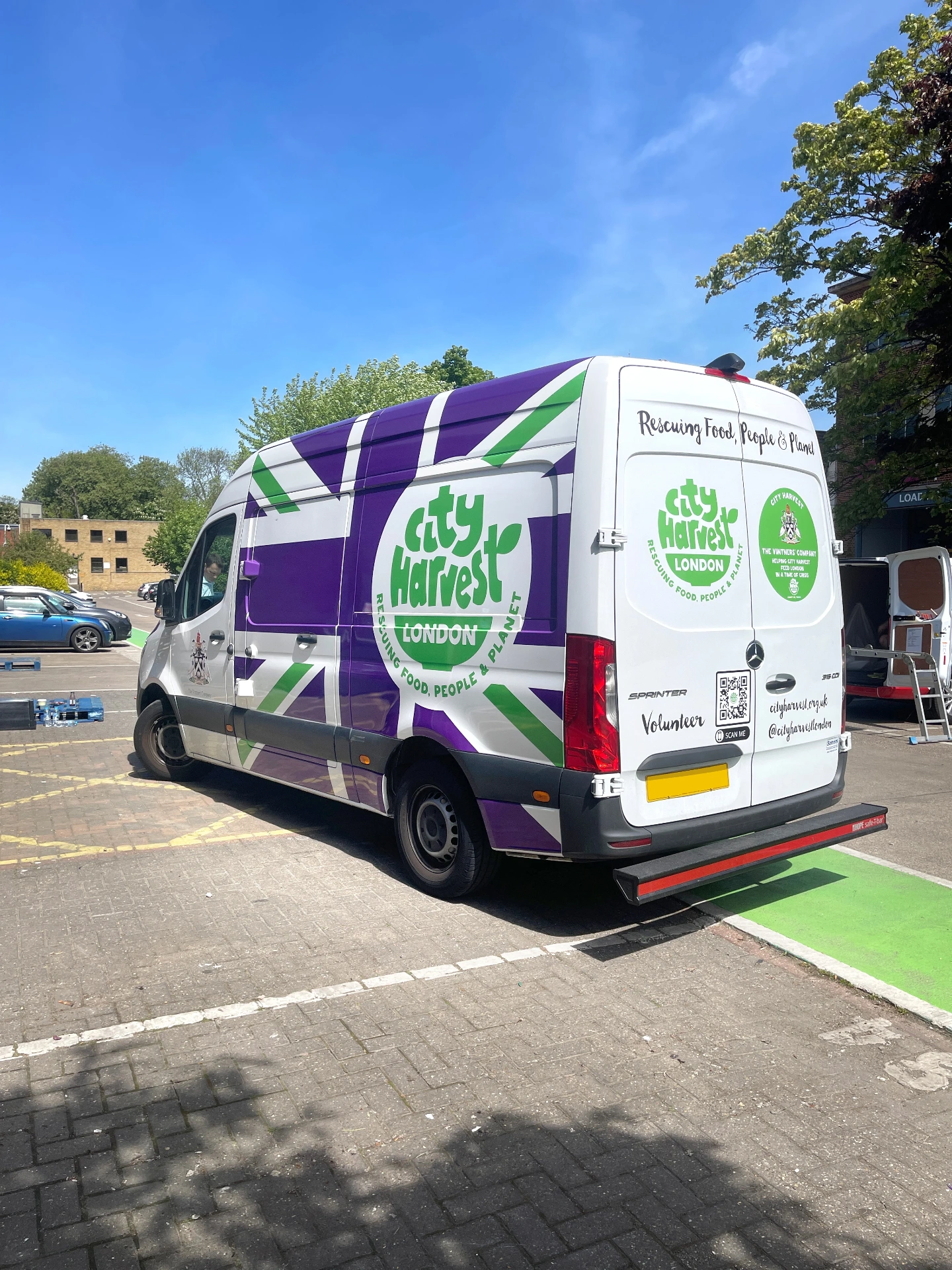
  • Branded panel van vehicle livery work delivered by GRS Fleet Graphics.
  • Branded refrigerated van vehicle livery work delivered by GRS Fleet Graphics.
  • Branded HGV vehicle livery work delivered by GRS Fleet Graphics.
  • Branded shuttle vehicle livery work delivered by GRS Fleet Graphics.

What we need from you

Vehicle list

Make, model, year and current fleet identifiers.

Operating locations

Depots, regions and routes covered.

Package priorities

Track, Shield, Vision or Vision AI mix.

User roles

Who needs access and at what level.

Reporting needs

Daily, weekly or exception-based.

Deployment timing

Target install window and any operational constraints.

Frequently asked

Questions, answered.

How does GRS roll out fleet tracking?
GRS scopes the fleet, recommends Track, Shield, Vision or Vision AI per vehicle, plans installation, configures the platform, trains users and supports go-live across the UK and France.
Can deployment be coordinated with GRS Fleet Graphics?
Yes. Where vehicle branding and telematics overlap, installation can be coordinated with GRS Fleet Graphics so vehicles are off the road as little as possible.
What information does GRS need before installation?
A vehicle list with make, model and year, your operating locations, package priorities, the users who need platform access and your reporting needs.
How are users trained?
GRS provides practical onboarding for fleet managers and drivers, covering live tracking, alerts, geofences, reports and any active Vision features.

Plan your rollout

Get your fleet live without unnecessary downtime.

Talk to GRS about scoping, hardware and installation.