
Miles to KM Converter
Convert miles to kilometres or km to miles instantly with a simple, accurate distance converter. Fast, clear results with formula shown.
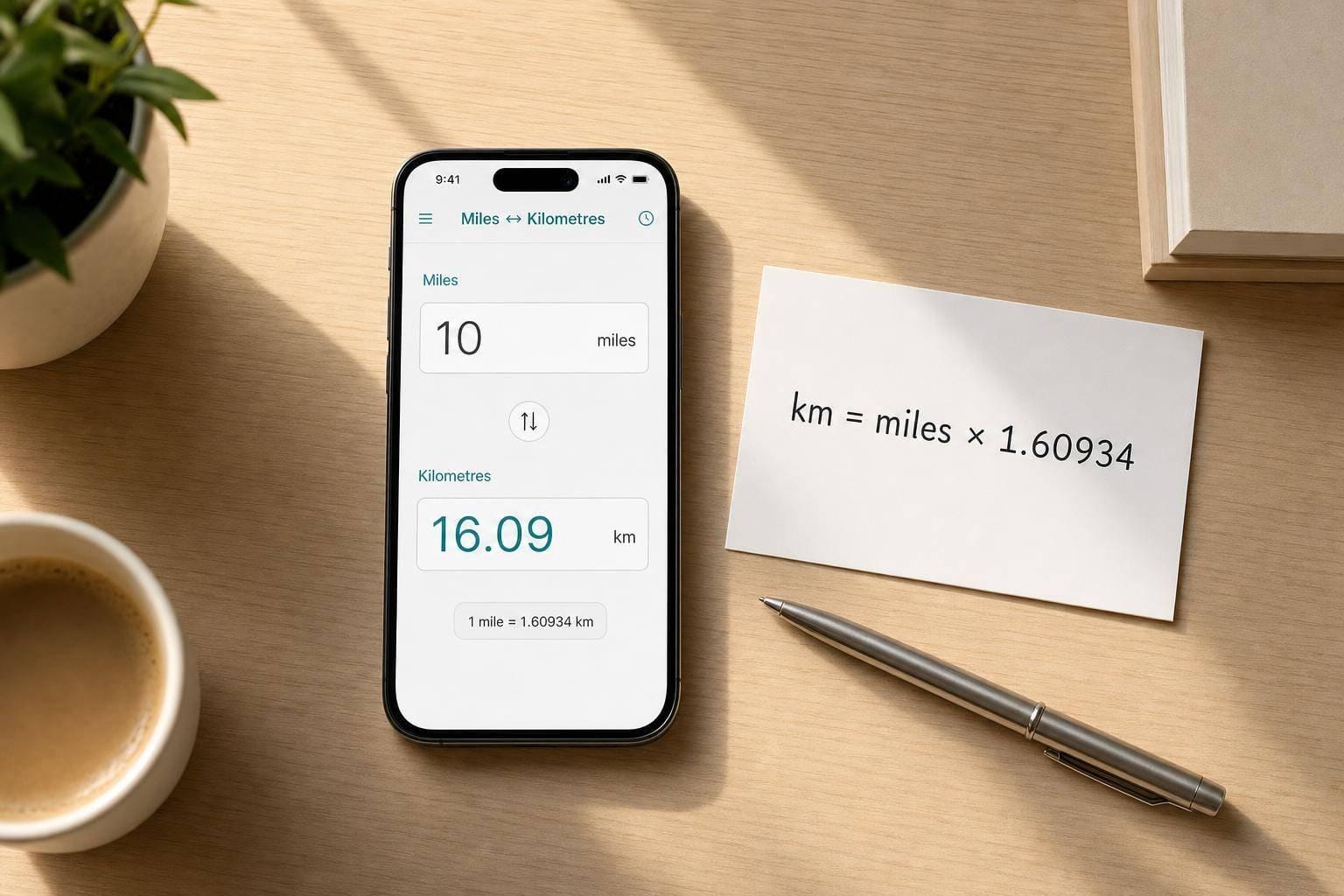
Quick, accurate distance conversion
A reliable Miles to KM Converter is handy whenever you need to switch between imperial and metric distances without slowing down. Whether you're checking a race route, comparing driving distances, or making sense of travel information from another country, a simple converter saves time and avoids mistakes.
Built for everyday use
This tool keeps things straightforward. You enter a number, choose the direction of conversion, and the result appears instantly. It works for whole numbers, decimals, and zero, which makes it useful for everything from short walks to long road trips. A visible formula also helps if you'd like to understand how the figure was calculated rather than just seeing the answer.
Miles and kilometres, both ways
The converter supports both common directions: miles to kilometres and kilometres to miles. That means you can use the same page whether you're reading UK road distances, international fitness plans, or mapping out journeys abroad. If you need a fast distance converter that feels clean and easy to use, this one does the job without unnecessary clutter. For anyone looking for a dependable Miles to KM Converter, clarity and speed are exactly the point.
FAQs
How do I convert miles to kilometres?
To convert miles to kilometres, multiply the distance in miles by 1.609344. This tool does that for you instantly, so you don't need to work it out manually. Just enter the number of miles, select the miles-to-kilometres option, and the converted value will appear straight away.
Can I convert kilometres back to miles as well?
Yes, the converter includes a reverse mode for kilometres to miles. In that mode, it multiplies the kilometre value by 0.6213711922. The swap control makes it easy to switch direction without clearing the page or hunting through menus.
Does this tool accept decimals and zero?
It does. You can enter decimal values such as 2.5 or 10.75, and zero is also valid if that's what you need to convert. If the field is left empty or contains something that isn't a number, the tool shows a clear error message so you can correct it quickly.