EV Route Planning with Fleet Telematics
Pick vehicles by route, not vice versa: use live telematics to plan charging, monitor SoC and avoid missed deliveries.
 By Michael Bar9 min read
If I had to boil this guide down to one point, it’s this: battery charge, route length, traffic, charging access and delivery times must all be checked together. For many fleets, an EV is a strong fit for short urban runs, a mixed fit for 100–150-mile routes, and a weak fit for 150+ mile jobs unless charging is built into the day.
Here’s the short version:
- I check live state of charge first and compare it with route distance and a fixed safety buffer.
- I use past energy-use data, not maker range claims alone, to judge whether a van can finish its run.
- I group routes by charging risk: short urban, mixed urban-motorway, and longer regional.
- I plan charging before dispatch, not after the battery drops too low.
- I watch traffic, stop times and driving style, because each one can cut range.
- I step in early during the day if actual battery use is around 10 to 15 percentage points below plan.
- I use alerts for low charge, long stops, off-route travel and geofence events so dispatch can act fast.
A few figures stand out. Diesel refuelling often takes 5–10 minutes. EV charging can take 30–60+ minutes. And a low-charge alert often starts at under 20% when stops are still left on the route. Those gaps change how I plan jobs, charging and same-day rerouting.
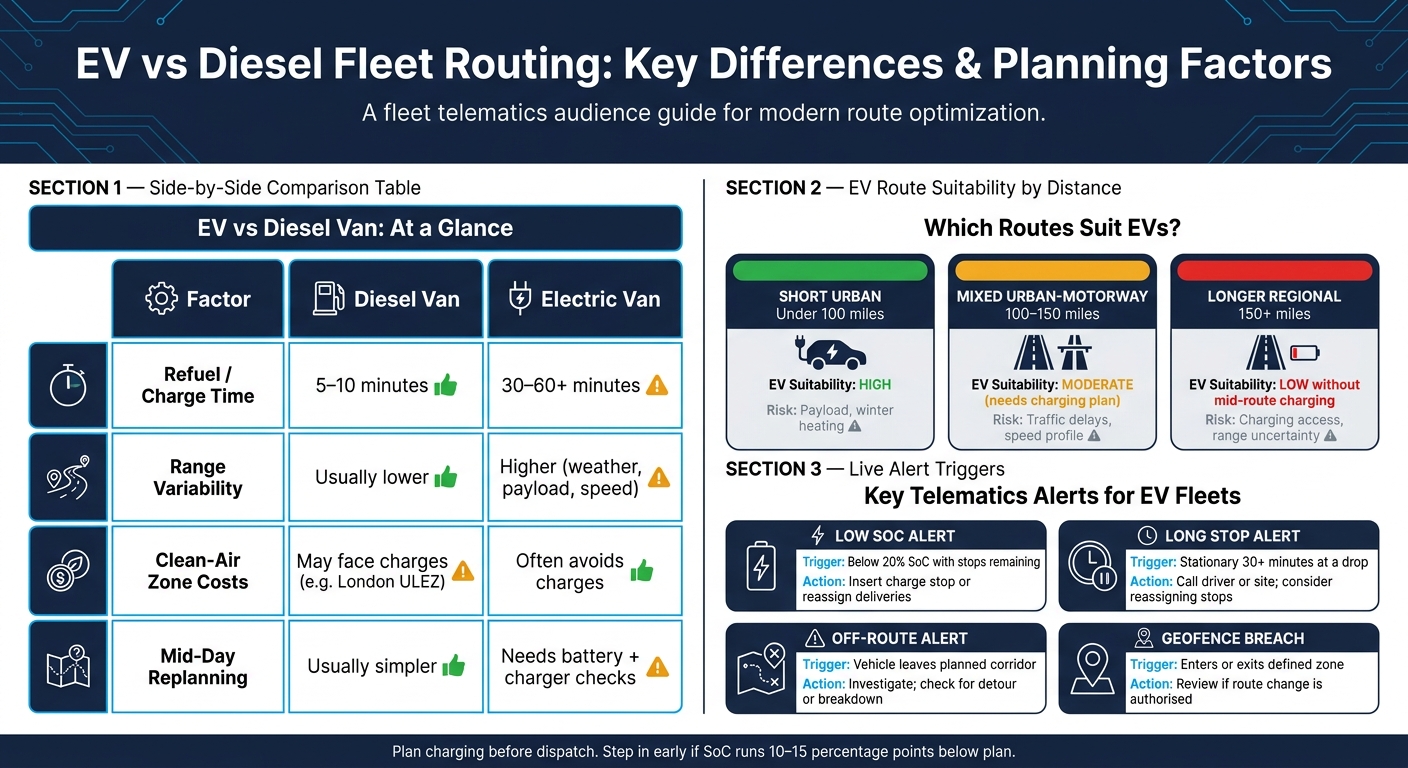
EV vs Diesel Fleet Routing: Key Differences & Planning Factors
Quick comparison
| Area | Diesel van | Electric van |
|---|---|---|
| Refuel / charge time | 5–10 minutes | 30–60+ minutes |
| Range changes | Usually lower | Often higher due to weather, payload and speed |
| Clean-air zone costs | May face charges in places such as London ULEZ | Often avoids those charges |
| Mid-day replanning | Usually simpler | Needs battery and charger checks |
So this article is not just about maps or ETAs. It’s about making better dispatch calls with live telematics data so the right van gets the right route, with enough charge to finish the job.
Step 1: Match the right vehicle to the right route
Use live SoC, route history and traffic data to assign each van before it leaves the depot.
Check live battery status and historical energy use before dispatch
Check live SoC against route length and your set buffer before dispatch. Use live SoC plus route history to estimate actual range. Build those range assumptions from your own route data, not WLTP figures alone.
Set a minimum buffer for every route and block any van that falls below it. Van tracking solutions can automate this check, triggering a dispatch block before the van is assigned rather than after it is already on the road.
That turns battery data into a simple go/no-go dispatch call.
Group routes by distance, traffic and charging risk
Sort jobs by distance, traffic and charging access into three broad groups: short urban, mixed urban-motorway, and longer regional. Then use telematics history to see which group each EV handles with consistency. This also gives planners a clearer basis for choosing between EVs and diesel vans from the same job pool.
Short urban routes with frequent stops are often the best fit for EVs. Longer regional routes are a different story. Limited charging access and variable traffic can eat into the battery buffer fast. Two routes may look similar on paper, but they are not the same if one allows an easy return to depot and the other runs through areas with sparse charging options.
| Route type | EV suitability | Key risk factors |
|---|---|---|
| Short urban (under 100 miles) | High | Payload, heating use in winter |
| Mixed urban-motorway (100–150 miles) | Moderate - needs charging plan | Traffic delays, speed profile |
| Longer regional (150+ miles) | Low without mid-route charging | Charging access, range uncertainty |
Refine these bands using your own telematics history and charging access. Those route bands then feed straight into charging and timing decisions in the next step.
Factor in delivery windows and driver stop patterns when assigning routes
Delivery windows and dwell times can limit range and charging options just as much as mileage. If stop-pattern history shows a regular pause, that dwell time can be built into the plan as a charging window.
Put an EV on a route where every stop is tight and congestion is hard to predict, and that flexibility disappears. In that case, the route is often better kept with ICE vehicles, or given only to EVs with a planned mid-route charging stop. If a route has no usable dwell time, it should not be assigned to an EV.
Step 2: Build EV routes around charging, traffic and stop time
Plan charging stops as part of the route, not as a last resort
Once you’ve matched the right van to the route, charging needs to become part of the trip itself.
Plan it in before dispatch. For return-to-base vans, lean on depot charging. For longer or less predictable runs, use public charging. The key is to place charging at a planned pause in the route, such as a customer site with on-site charging.
That way, charging isn’t a scramble at the end. It’s built into the day from the start.
UK public charge points also publish live status, pricing and connector data, which makes them easier to route around.
Use traffic and road conditions to protect battery range
Traffic doesn’t just slow a route down. It can also chip away at battery range.
Use route history to spot repeat congestion windows. Then shift predictable congested stops away from peak periods and move dense urban drops later in the day. This helps keep battery use closer to what was planned at dispatch.
The live route picture matters too. If conditions change mid-shift, planners can see when a route needs to be adjusted instead of waiting for the problem to snowball.
Monitor driver behaviour that affects energy consumption
A well-timed charge won’t help much if the driving style is burning through power.
Even a solid route plan can miss the mark if driver behaviour pushes energy use above what the route allowed for. [Track:
- speeding
- harsh acceleration
- harsh braking
- idling
- off-route movement](https://grsft.com/faq)
Each one eats into range and should trigger coaching or alerts. That helps protect the battery buffer for the final deliveries.
Step 3: Adjust routes during the day with live telematics
Track live position, state of charge and route progress
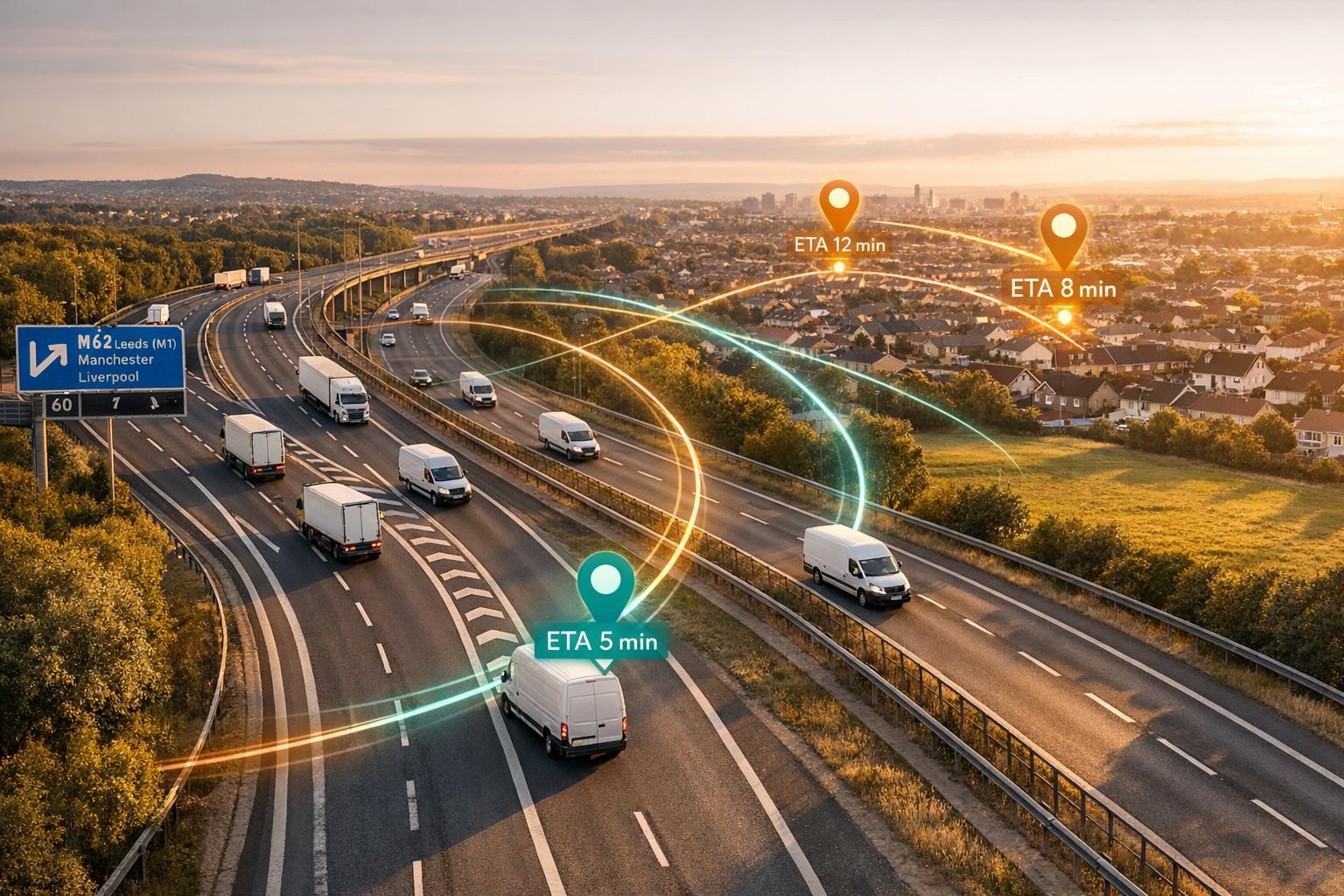
Once vans leave the depot, telematics moves EV routing from upfront planning to live control. A live dashboard brings GPS position, route progress, ETA, SoC, remaining range and delivery status into one place. Most platforms refresh near real time and plot each vehicle on a live map, which helps dispatch spot trouble fast.
One check matters more than it might seem: compare expected SoC with actual SoC. If the battery is running 10 to 15 percentage points below plan, that's your cue to step in early, before the driver ends up short on charge with several stops left.
Reroute jobs when traffic, delays or battery use changes
At that point, dispatch can adjust the route before a delay turns into a missed delivery window. When things shift mid-day, there are usually four practical moves:
- Resequence stops so time-sensitive deliveries happen first
- Move urgent drops to another vehicle with spare charge
- Add a charging stop
- Send the van around congestion
This works well in mixed fleets. One vehicle can take a handful of drops while the EV tops up.
When plans change, charging should be built into the revised route, not treated like a last-second patch. If projected SoC at the end of the route drops below your safety buffer, send the van to a compatible rapid charger during a natural break in the day. The same thinking applies to traffic. If stop-start congestion is likely to drain more battery than a slightly longer run on freer-flowing roads, the diversion may be the better call for both battery use and delivery timing.
After any change, push the new route straight to the driver's device so they aren't working from an old schedule.
Set alerts for low charge, long stops and off-route movement
Manual monitoring falls apart once you have more than a small number of vehicles, so alerts do the heavy lifting. They help protect the range margin you set before dispatch.
| Alert Type | Suggested Trigger | Recommended Response |
|---|---|---|
| Low SoC | Below 20% with stops remaining | Insert a charge stop or reassign deliveries |
| Long stop/dwell | Stationary for more than 30 minutes at a drop | Call the driver or site; decide whether to reassign remaining stops |
| Off-route movement | Vehicle leaves the planned corridor | Investigate the cause and check for a detour or breakdown |
| Geofence breach | Enters or exits a defined zone | Review whether the route change is authorised or a safety concern |
You can tune these thresholds to fit your operation. Courier runs with fast drop cycles usually need tighter dwell alerts than scheduled service calls.
In day-to-day use, alerts turn live data into immediate route calls.
GRS Fleet Telematics supports live van tracking, geofencing and event alerts for real-time route control.
Conclusion: A simple planning model for EV and mixed fleets
Once routes are live, the same telematics data should shape dispatch decisions. Good EV route planning comes down to a few core checks: battery status, the right vehicle for the job, time for charging, and live trip tracking.
The key point is simple: pick the vehicle based on the route, not the other way round. In mixed fleets, route fit should decide vehicle choice.
That’s the planning loop this guide has covered. SoC, traffic, dwell time, driver behaviour, and charging availability are the inputs that help keep EV routes reliable.
FAQs
How do I set a safe battery buffer?
Use real-time state of charge monitoring from GRS Fleet Telematics to see remaining battery capacity clearly. That gives you a plain view of how much charge each vehicle has left, instead of relying on guesswork. You can also compare actual driving patterns with manufacturer estimates to set a more realistic range for your fleet.
From there, use telematics data to review daily mileage needs and natural dwell times, like loading breaks or depot stops, so you can plan charging at the right moments. It helps turn charging into part of the working day, not a last-minute scramble. You can also set automated alerts when charge drops below your minimum threshold, which helps avoid delays and keeps delivery windows on track.
When should an EV route include a charging stop?
An EV route should include a charging stop when the vehicle’s state of charge drops below what the route needs, or when it simply won’t finish the remaining deliveries without a top-up.
To keep disruption low, it’s best to plan charging around stops that would happen anyway. That could be a 45-minute lunch break or 20 to 30 minutes during loading or unloading. If the vehicle’s range starts to fall short, telematics can reroute it to a charging point and, if needed, reassign the remaining jobs.
What telematics alerts matter most for EV vans?
For EV vans, the alerts that matter most are the ones tied to battery health, range, and day-to-day readiness.
Real-time State of Charge (SoC) alerts help drivers and fleet managers spot low battery levels before they turn into missed jobs or stalled routes. That means less range anxiety and less unplanned downtime.
Alerts tied to charging sessions matter too. These can show charging status, port availability, and power use, so it’s easier to keep vans charged and ready to go.
Predictive maintenance alerts also play a big part, especially for battery health and brake performance. They help fleets spot issues early and keep vehicles safe and dependable on the road.