Real-Time Delivery Tracking Guide for Retail
Live GPS, driver apps and APIs turn van movement into accurate ETAs, cut WISMO queries and secure retail deliveries.
 By Michael Bar11 min read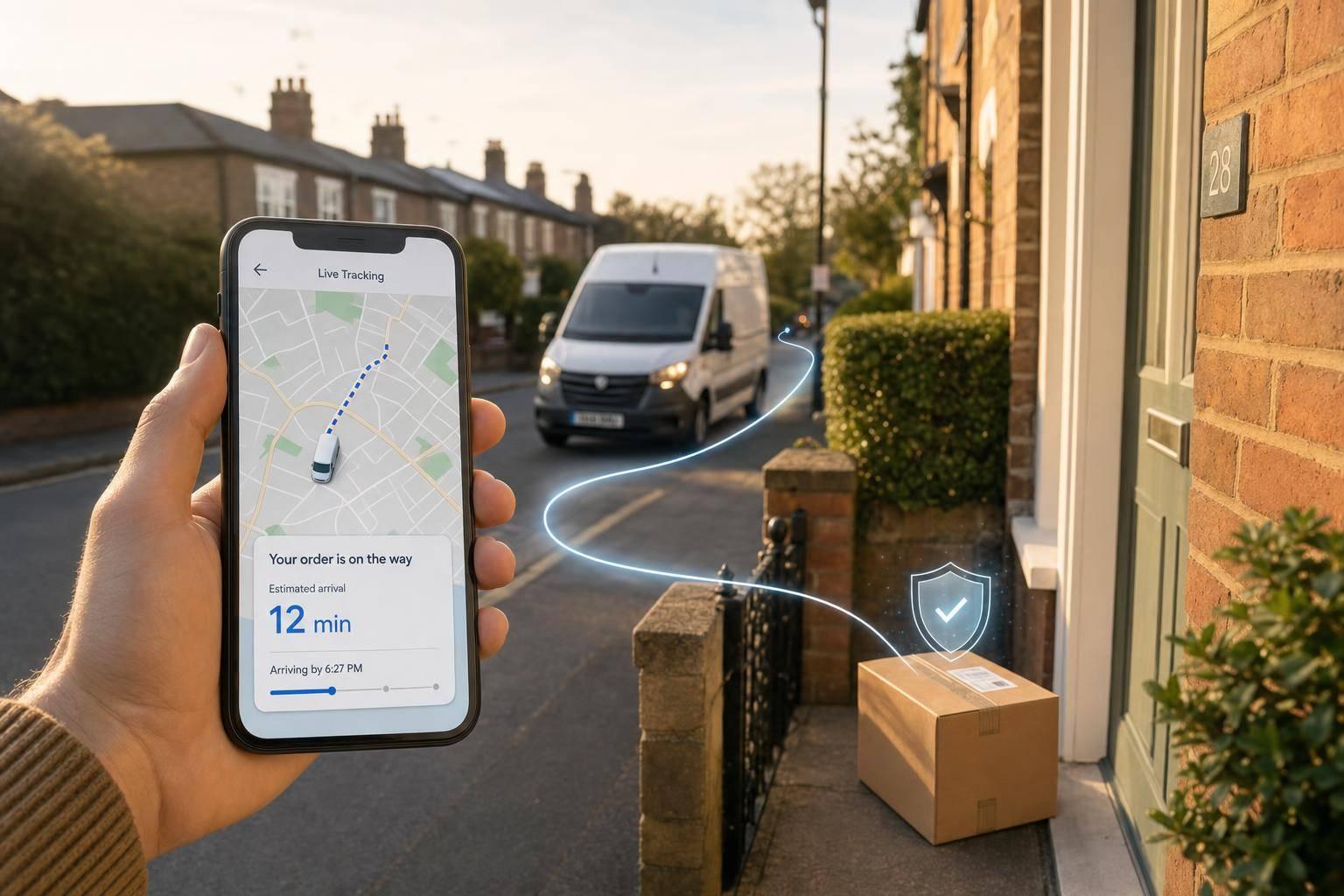
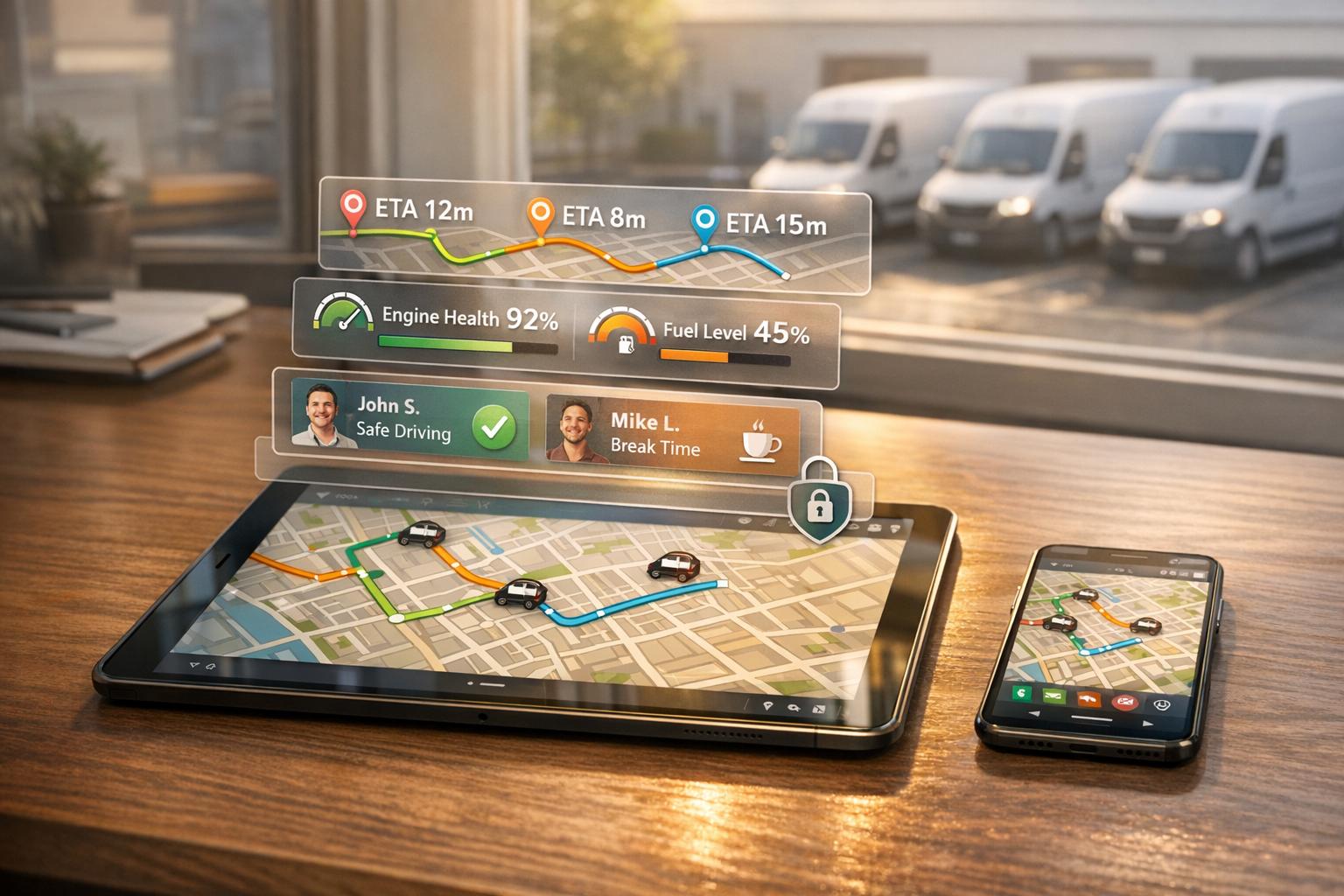
If you run retail deliveries, live tracking helps you cut missed slots, lower WISMO calls, and spot van issues before they turn into customer complaints.
From what I can see, the article makes a simple case: GPS data, driver apps, and order system links let you turn van movement into live ETAs, stop updates, and proof of delivery. That matters because failed deliveries cost the UK industry about £1.6 billion a year, 20–40% of support tickets can be WISMO, and 65% of UK shoppers expect live parcel tracking.
Here’s the article in plain terms:
- Live tracking is not the same as milestone tracking: one updates as the van moves; the other only updates at fixed points like dispatched or delivered.
- ETAs depend on more than GPS: you also need route progress, stop data, traffic, timestamps, and links to order records.
- Customer updates cut support pressure: many retailers see 40–65% fewer WISMO contacts when customers can check a live tracking page themselves.
- Dispatch teams get more control: they can spot late vans, reshuffle stops, move jobs to another van, or send new ETA messages.
- Security matters too: GPS tracking and geofencing can flag route departures or out-of-hours vehicle movement fast.
- You need to choose the right tracking setup: vehicle-level tracking suits many fleet control jobs, while parcel-level tracking fits home delivery and high-value orders.
- Rollout can fail on basics: weak API links, poor staff training, noisy notifications, and weak data handling can undermine the whole setup.
Quick comparison
| Option | What it shows | Best for | Main trade-off |
|---|---|---|---|
| Vehicle-level tracking | Van location, route progress, stop timing | Store replenishment, B2B runs | Less detail for each order |
| Parcel-level tracking | Order status at each step | Home delivery, click-and-collect, high-value items | More system setup work |
| Milestone alerts | Fixed status updates only | Lower-volume or simpler delivery runs | ETA can go stale fast |
| Live delivery updates | Rolling ETA and stop-by-stop progress | Time-sensitive retail deliveries | Needs live system links |
If I had to boil the article down to one point, it would be this: live tracking only works when it feeds dispatch decisions, customer messages, proof of delivery, and van security all at once.
How live delivery tracking systems work
Live tracking turns vehicle data into customer-facing ETAs and delivery updates. It connects a van tracking solutions for each vehicle, a driver app, telematics software and your order systems. That flow is what changes raw vehicle movement into delivery status that customers can actually use.
The driver app adds stop-level detail. It records when the driver arrives, when a delivery is attempted and when the job is complete. APIs then pass that combined data into your order management system, which knows which customer is waiting, what they ordered and which status they should see. The end result is a customer tracking page that shows an actual delivery update, not just raw vehicle coordinates.
Vehicle data, order data and ETA updates
Accurate ETAs depend on live location, speed, route progress, stop completion and timestamps. The software takes the van's current GPS position, checks it against the planned route, factors in live traffic and the number of stops left, and recalculates the arrival window on a rolling basis. Customer tracking pages usually refresh every 30 to 60 seconds.
Without order data, live location is just a moving dot on a map. APIs match each vehicle stop to the right order, customer and status, while the telematics platform and order management system stay synced in real time.
Notifications and proof of delivery
Once the ETA is live, the same system can send updates and confirm delivery. Retailers usually send delivery updates by SMS and email. WhatsApp or push notifications are often used for more frequent contact. A live link should open a mobile page showing the current status and ETA.
Electronic proof of delivery (ePOD) confirms delivery at the final stop. A driver can capture:
- a digital signature
- a photo of the delivered item
- a timestamp
- a GPS location from their device
These records sync straight to back-office systems and can be shown to the customer right away through the tracking portal or an automated email. For high-value or disputed deliveries, a timestamped GPS pin plus a delivery photo gives stronger proof than a simple delivered status.
Key features and benefits for retail and e-commerce fleets
Live ETAs and proof of delivery are what customers notice first. But the bigger payoff sits behind the scenes: fewer support queries, tighter day-to-day control and better van security. In practice, that shows up across customer service, fleet oversight and asset protection.
Customer service gains from delivery updates
WISMO ("Where is my order?") calls are a big drain on retail support teams. They can make up 20–40% of total support ticket volume, and that figure often jumps during peak trading periods like Black Friday and the Christmas run-up. Retailers that use live tracking pages and automated notifications often reduce WISMO tickets by 40–65%.
Stop-based updates can help even more. Messages such as "two stops away, arriving 14:15–14:30" give customers a clearer sense of timing and can cut missed arrivals, especially in busy urban areas where parking is tight and waiting times are short.
There’s also a direct gain for support agents. When customers do get in touch, agents can open the same tracking view the customer sees and answer status questions in seconds. That means less time spent on routine lookups and more time for issues that need actual judgement. The same live data also gives dispatch a chance to step in early, before a small delay turns into a string of complaints.
Fleet visibility gains for day-to-day operations
A dispatch dashboard that shows all active vans, their remaining stops and a simple status flag - on time, at risk or late - gives controllers a live view of the whole day’s operation. If a van runs into traffic, the system can recalculate predicted arrival times for the rest of the route and flag stops that may miss their promised window.
At that point, the controller has options:
- Reorder stops
- Reassign a stop to a nearby van
- Send the customer an updated ETA before the delay triggers a complaint
Driver behaviour data adds another layer. It can show harsh braking, idling and long stop times, which helps teams cut fuel waste and trim route delays. Small gains here can stack up over time. Shorter average stop times can lead to more drops per route, better delivery window performance and stronger on-time figures.
Security gains for vans, loads and branded assets
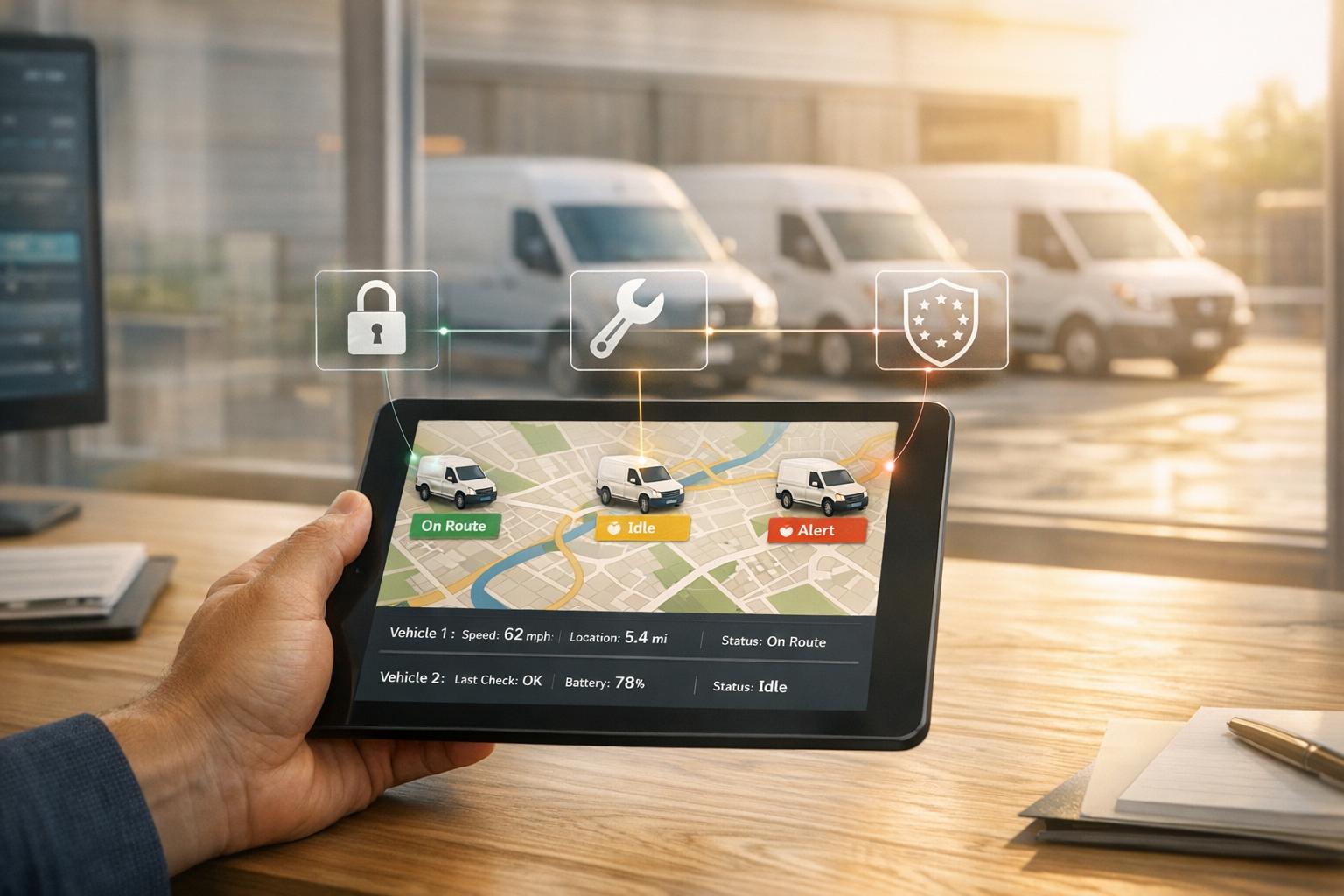
The other big area is security. Retail vans often carry stock, equipment and branded livery, so the asset value can be high. Continuous GPS monitoring means unauthorised movement - like a van leaving its route or parking zone - can be spotted straight away instead of being found the next morning.
Geofencing adds another layer. Retailers can set permitted zones around depots, customer sites or overnight parking locations. If a van crosses a boundary without warning, an alert is sent at once, giving security teams time to act before a theft gets worse.
GRS Fleet Telematics offers dual-tracker van security, helping keep vehicles visible even if one device is disabled.
The next decision is how granular your tracking needs to be.
Choosing the right tracking setup for a retail van fleet
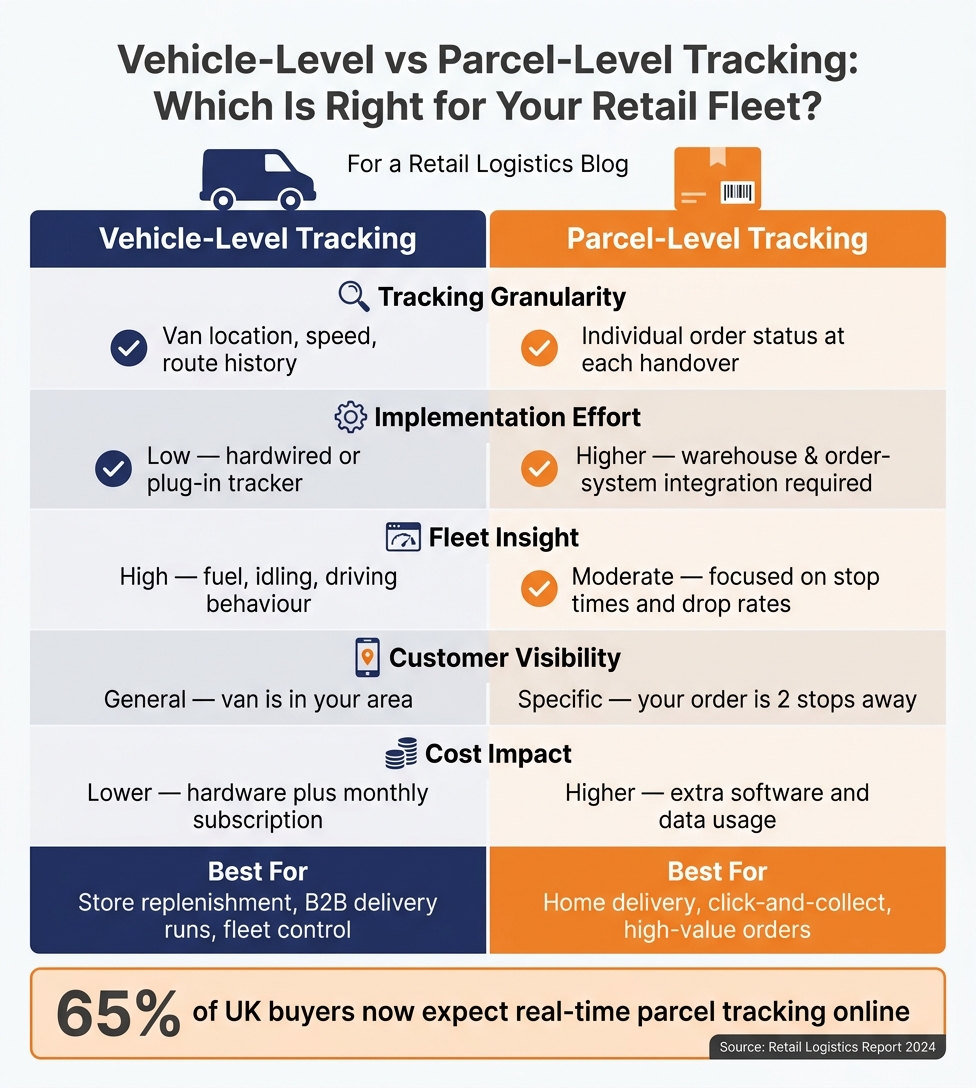
Vehicle-Level vs Parcel-Level Tracking: Which Is Right for Your Retail Fleet?
The right setup comes down to three things: what you’re delivering, how time-sensitive the job is, and what customers now expect as standard. A regional store replenishment run needs one kind of setup. Same-day home delivery of high-value electronics needs another.
Vehicle-level tracking vs parcel-level tracking
Vehicle-level tracking means fitting each van with a GPS device. It shows where the vehicle is, how the route is progressing, and how long it spends at each stop. This works well for fleet control and route monitoring, and it’s enough for most store replenishment and B2B delivery runs.
Parcel-level tracking goes deeper. It ties scan events to each order, such as picked, loaded, out for delivery, and delivered. This setup fits home delivery, click-and-collect, and high-value orders. And there’s a clear reason why: 65% of UK buyers expect real-time parcel tracking online, so parcel-level visibility is now a basic customer expectation.
| Vehicle-Level Tracking | Parcel-Level Tracking | |
|---|---|---|
| Tracking granularity | Van location, speed, route history | Individual order status at each handover |
| Implementation effort | Low - hardwired or plug-in tracker | Higher - requires warehouse and order-system integration |
| Fleet insight | High - fuel, idling, driving behaviour | Moderate - focused on stop times and drop rates |
| Customer visibility | General - van is in your area | Specific - your order is 2 stops away |
| Cost impact | Lower - hardware plus monthly subscription | Higher - extra software and data usage |
The next choice is just as important: do you stick with fixed status updates, or move to live delivery updates?
Basic milestone alerts vs live delivery updates
Basic milestone alerts trigger at set points, such as order confirmed, dispatched, out for delivery, and delivered. They suit lower-complexity store replenishment and business deliveries. But they don’t react to traffic or route changes. If a van gets stuck in traffic or takes on an extra stop, the ETA the customer sees stays frozen until the next trigger fires. By then, it’s often too late.
Live delivery updates use continuous GPS data. If routes shift during the day and customers need to know right away, this is the better fit. Customers get a live ETA window, next-stop alerts, and a tracking link. That move from reactive to proactive communication helps cut WISMO contacts and stops support queues from piling up during peak periods.
| Basic Milestone Alerts | Live Delivery Updates | |
|---|---|---|
| Customer experience | Reactive - updates at fixed events only | Proactive - continuous, real-time visibility |
| Support workload | Higher - gaps in updates drive inbound queries | Lower - customers self-serve via tracking links |
| Data needs | Static status changes from order/carrier systems | Live GPS feed plus route optimisation logic |
| Rollout complexity | Simple - works with existing order management | Moderate - requires live telematics integration |
| Best fit | Store replenishment, B2B, low-volume delivery | Home delivery, click-and-collect, high-value retail |
That decision shapes how much visibility your rollout needs. Once you’ve picked the right tracking level, the last check before launch is integration, staff training, and data rules.
Rollout checklist and conclusion
Integration, training and data governance checks
Once you've chosen between vehicle-level and parcel-level tracking, the next part matters just as much: rollout quality. A live visibility setup can look good on paper and still fall flat if the launch is messy.
Before go-live, make sure your tracking platform connects properly with your order management system, warehouse management system and route-planning software through APIs. Test those API syncs before launch, not after. Each delivery should link back to an order ID, vehicle ID and stop number. If that link is weak, live visibility starts to break down fast.
Driver onboarding needs to cover the basics and the awkward moments too. That includes how to use the tracker, what proof of delivery is required, and what to do if the tracker or app stops working mid-route. Dispatchers need their own training. They should know how to read live vehicle status, handle exceptions and step in when a route starts slipping. It's worth rehearsing common problems before launch, including delayed vans, missed slots, failed deliveries and ETA changes.
Once people know the process, check the data side just as carefully. Your data handling and customer notifications need to line up with UK GDPR rules. For governance, be clear about what customer data you store, where it sits, who can access it and how long you keep it. Under UK GDPR and the Data Protection Act 2018, you need a lawful basis for processing customer names, addresses and contact details, clear privacy information, and proper safeguards when sharing data with technology vendors or logistics partners. Treat SMS and email delivery updates as operational messages, not marketing, and never expose personal data in tracking URLs.
Key factors to review before launch
| Rollout Factor | Benefit | Implementation Risk | Priority |
|---|---|---|---|
| API integration | Accurate, real-time order-to-vehicle mapping | Data sync lag or system incompatibility | Critical |
| Staff training | Consistent driver and dispatcher adoption | Resistance to monitoring; workflow gaps | High |
| Notification design | Fewer WISMO contacts; proactive customer updates | Over-notifying; message fatigue | High |
| Proof of delivery | Faster dispute resolution with timestamped evidence | Poor mobile signal; device failure at drop-off | Medium |
| Security features | Stronger asset protection for vans and high-value stock | Higher upfront hardware cost | High |
| Reporting and analytics | Measurable on-time rates and exception tracking | Data overload without clear KPIs | Medium |
What retail teams should take away
Live tracking only pays off when it's part of dispatch, customer updates and exception handling. If it just sits there as a map screen, it won't do much.
The teams that get the most from it usually get three things right:
- Integration quality
- Staff adoption
- Clear service goals that define what good delivery visibility looks like for the business
When those pieces are in place, you tend to see the same pattern: fewer missed windows, fewer WISMO contacts and fewer blind spots, with less manual chasing behind the scenes.
FAQs
How accurate are live delivery ETAs?
Live delivery ETAs can be highly accurate because they pull together historical data, live traffic updates, and driver behaviour monitoring. Modern telematics systems use that mix to provide reliable arrival windows instead of the kind of vague guesswork that leaves everyone checking the clock.
They don’t stop there, either. These systems keep recalculating routes when congestion builds, roadworks appear, or the weather turns, so dispatchers and customers get the best update available at that moment. In some fleets, that adds up to as much as 95% punctuality within 15-minute delivery windows.
Do I need parcel-level tracking or just vehicle tracking?
It comes down to what your business needs day to day.
Vehicle tracking from GRS Fleet Telematics gives you live visibility of where your vans are, how fast they’re moving, and their current status. That helps with route planning, driver oversight, and getting more from your fleet.
For parcel-level tracking, you can pair GPS vehicle data with driver mobile apps or delivery management systems. That way, you can match each delivery to a vehicle’s location and give customers live updates along with proof of delivery.
What should I test before going live?
Before you go live, make sure every customer address is correct. That simple check can help cut failed deliveries and stop drivers making wasted trips.
You should also test geofencing alerts, confirm the telematics hardware is fitted properly, and check that notification settings send prompt, accurate updates. If those basics are in place, your tracking and reporting data is far more likely to be dependable from day one.