Real-Time Video Analytics for Fleet Safety
Real-time video analytics with telematics cuts incidents, speeds claims and enables GDPR-compliant driver coaching.
 By Michael Bar14 min read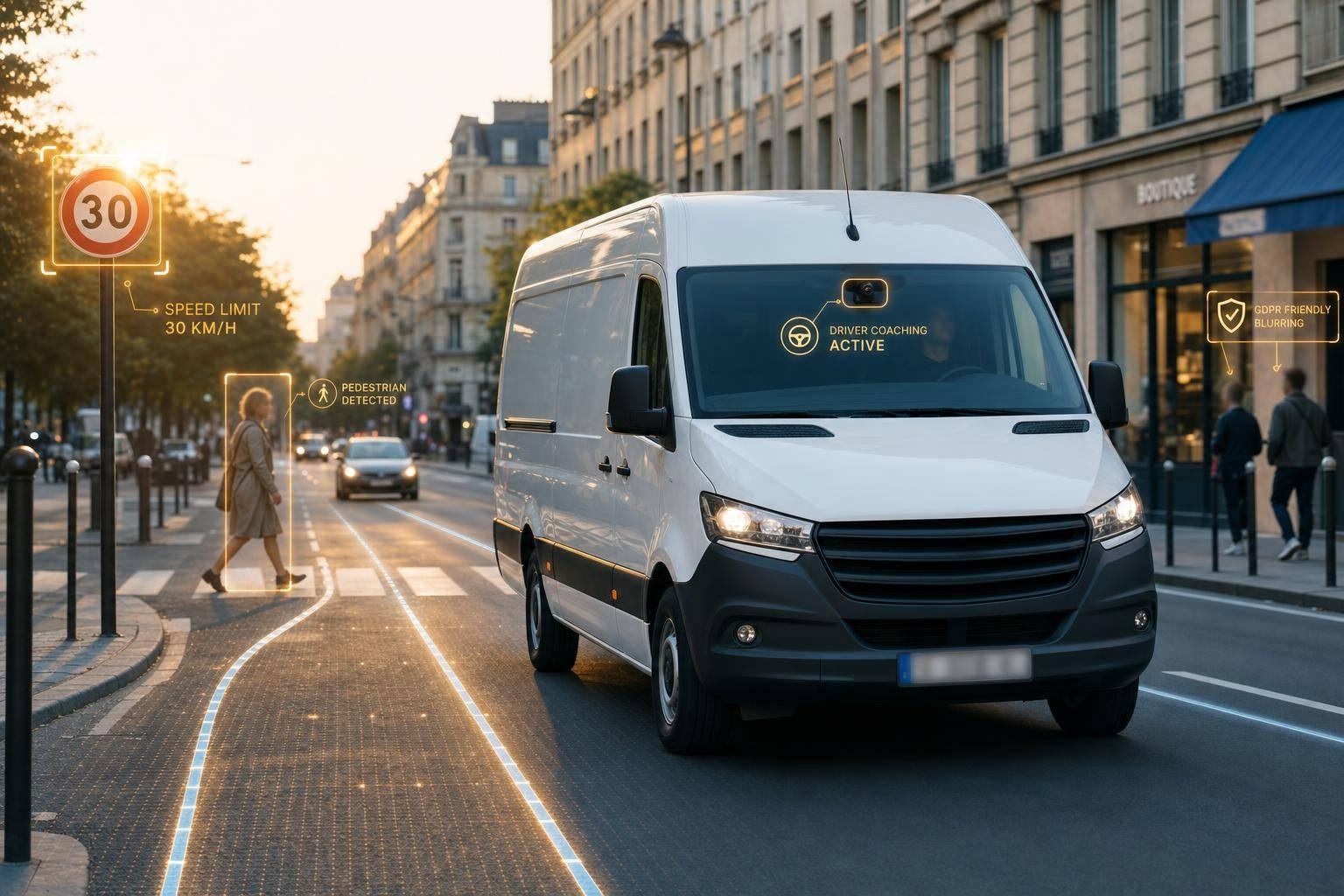
If I want fewer crashes, better claim evidence, and tighter driver oversight, GPS alone is not enough. Real-time video analytics adds the missing context by linking footage with speed, location, time, and driver behaviour.
In plain terms, this setup helps me do three things:
- see what happened before and during an event
- act faster with in-cab alerts and clip review
- run the system lawfully under UK GDPR
A few numbers stand out from the article:
- 50–60% better seatbelt compliance in fleets using dual-facing AI cameras with coaching
- 30–60% fewer risky behaviours
- 50%+ cuts in accident-related costs in some fleets
- 35% fewer road collisions reported in one UK case
- clips often include 8–12 seconds before and after a trigger
- high-risk events should usually be reviewed within 24–48 hours
- routine footage is often kept for about 30 days
What matters most to me is not the camera on its own. It is the workflow around it:
- road-facing, dual-facing, or multi-camera setup based on vehicle use
- edge AI that spots phone use, drowsiness, tailgating, harsh braking, and lane issues
- telematics data that adds speed, GPS, heading, g-force, vehicle ID, and driver ID
- manager review, driver coaching, and follow-up
- clear rules for dashcam privacy including notices, retention, access, redaction, and ICO duties
Here is the short version: video analytics works best when it sits inside the same setup as tracking, geofencing, security alerts, and coaching. That gives me better evidence after incidents and better control before the next one happens.
| Area | What I need to check |
|---|---|
| Camera choice | Front only, dual-facing, or side/rear coverage |
| Event data | Video, speed, GPS, timestamp, heading, g-force |
| Daily process | Alert, upload, review, coach, track |
| Privacy | LIA, DPIA, privacy notice, retention, access limits |
| Return | Fewer incidents, lower claim spend, better driver behaviour |
If I am choosing or reviewing a fleet safety setup in the UK, these are the points that matter first.
How Real-Time Video Analytics Systems Work
Now that the role of context is clear, the next part is understanding how the system spots and filters risk as it happens.
A real-time video analytics system connects cameras, edge AI, mobile data and cloud review. Each part passes information to the next, linking what happens on the road with what a manager later sees in a dashboard.
Core components: cameras, edge AI, connectivity, and cloud review
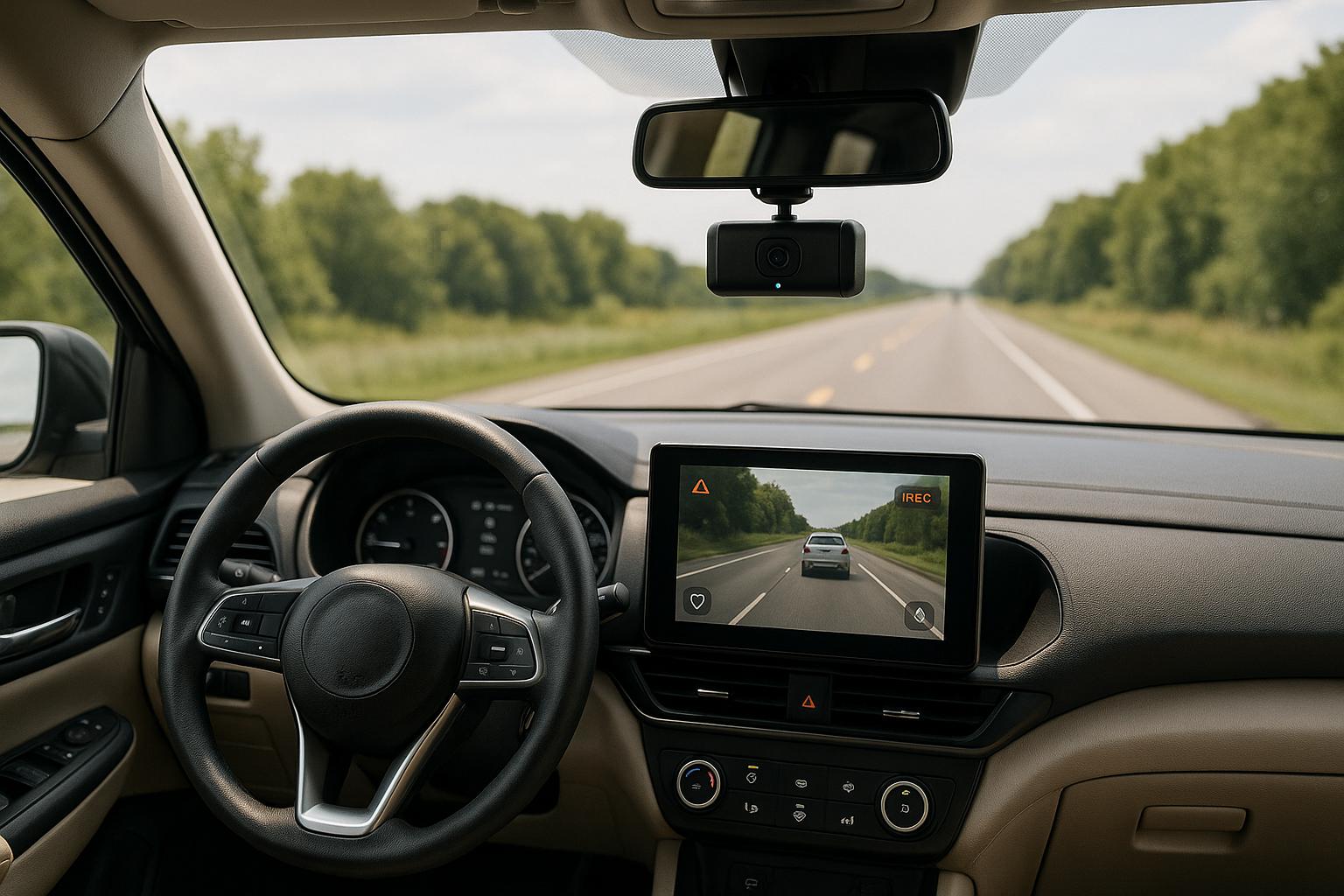
Cameras come first. Road-facing cameras record traffic, junctions and what’s happening ahead. Driver-facing cameras watch for distraction, phone use and seatbelt use. Bigger vehicles, such as HGVs or long-wheelbase vans, often need side and rear cameras too. That helps cover blind spots and reversing risks.
On its own, though, camera hardware doesn’t do much. The system starts to matter when the AI filters events and matches them with telematics data.
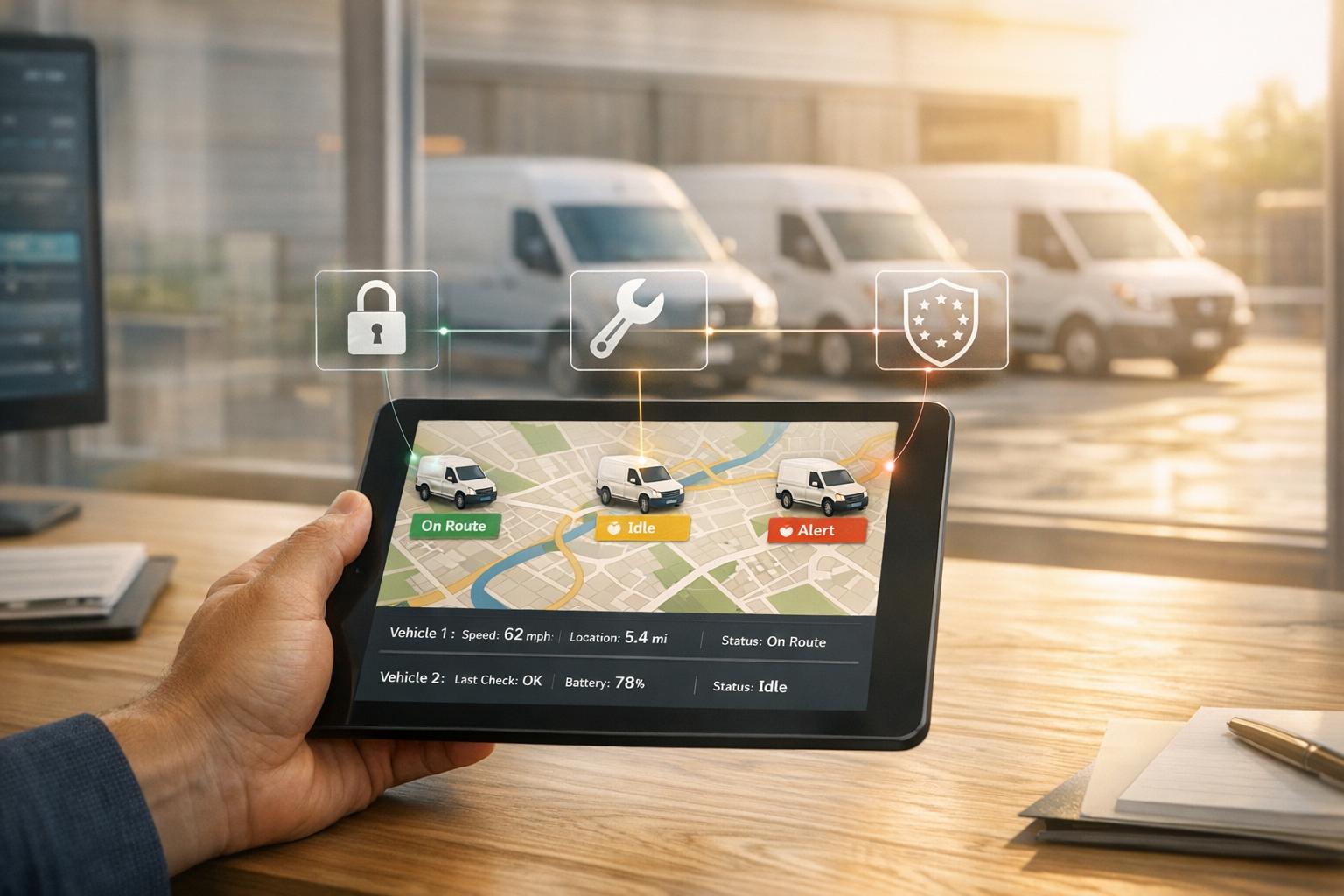
The footage is sent to an onboard AI processor. This can sit inside the camera itself or run through a separate module fitted in the vehicle. Edge AI handles the footage locally, which cuts data use and upload costs. When the system spots a risk event, it saves a short clip from around that moment, along with GPS position, vehicle speed and a timestamp. GRS Fleet Telematics can also add GPS, geofencing for fleet safety and speed data, giving each clip route context.
What AI detects in real time
Edge AI models are trained to spot a broad set of behaviours without someone having to watch the footage by hand. On the driver side, that includes mobile phone use, seatbelt non-compliance, distraction and fatigue signs such as long eyelid closure or drowsiness. On the road side, the system can flag harsh braking, rapid acceleration, sharp cornering, lane departure and tailgating.
Most systems store footage locally and upload only event clips. That keeps data use low while still keeping full footage on the device.
How video and telematics data build incident context
A video clip by itself helps. A video clip paired with speed, GPS coordinates, g-force readings, a timestamp and a driver ID tells a much fuller story. That mix lets managers piece together exactly what happened - and what led to it.
Take a UK urban rear-end collision. The video might show a pedestrian stepping into the road, while the telematics data shows a sudden harsh braking event. Put those together, and it becomes much easier to support a non-fault claim and shield the driver from unfair blame.
The same joined-up record also makes driver coaching far more precise. Instead of telling a driver they were distracted, a manager can show the exact moment - at a certain speed, on a certain road - when their focus shifted away from driving.
Once that setup makes sense, the next step is picking the camera layout that suits each vehicle and duty cycle.
Choosing the Right Camera Setup for Your Fleet
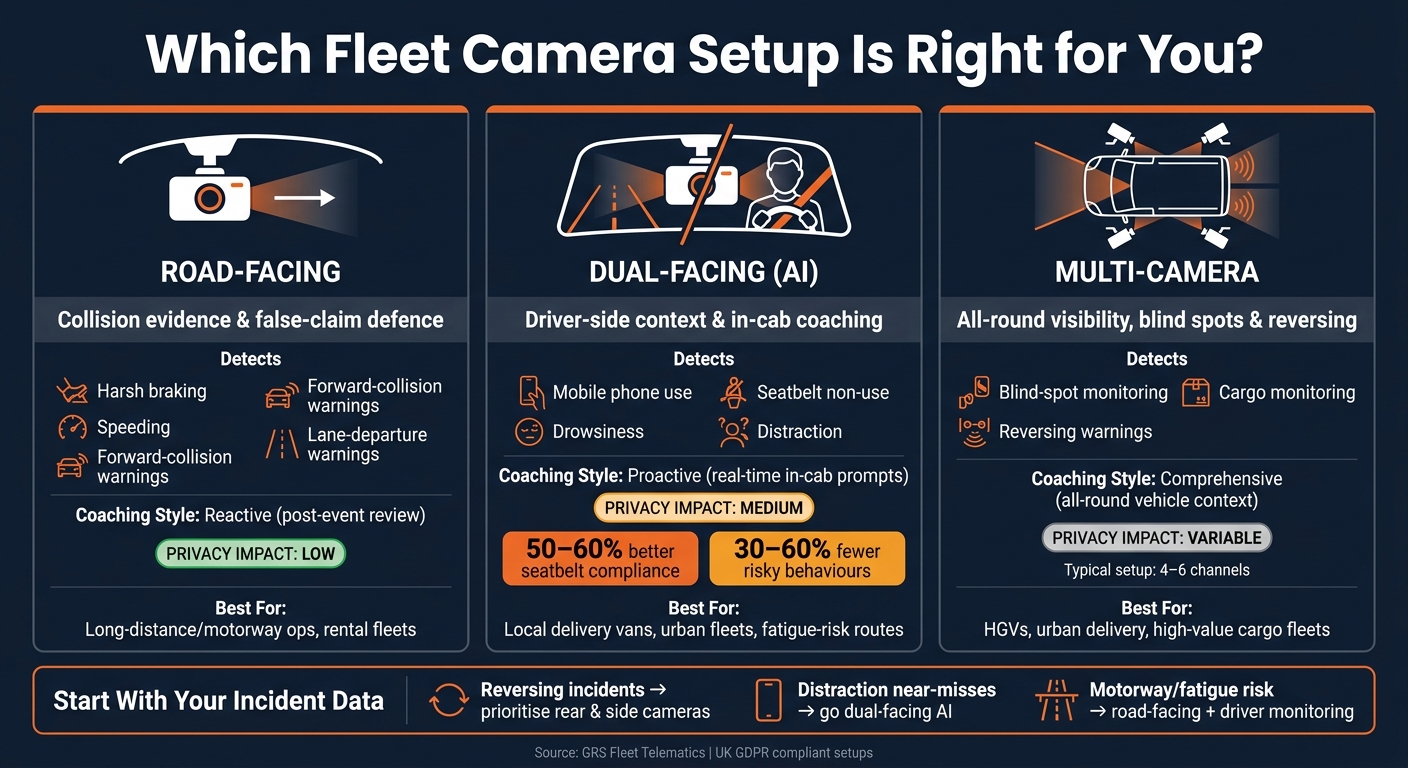
Fleet Camera Types Compared: Road-Facing vs Dual-Facing vs Multi-Camera
Once the mechanics of the system are clear, the next step is coverage: what each vehicle needs to record when something goes wrong.
There isn't one setup that fits every fleet. Camera coverage should match the job each vehicle does, the risks it faces, and the kind of evidence you may need later. Get that match wrong and you can end up with blind spots during collisions, reversing incidents, and claims disputes.
Road-facing, dual-facing, and multi-camera systems compared
Road-facing cameras are often the first option fleets choose. They record the road ahead and can provide clear evidence after collisions, near-misses, and crash-for-cash attempts. From a privacy point of view, they usually have the lowest impact because they face out towards public roads. Even so, UK GDPR still applies.
Dual-facing cameras add a second lens aimed at the driver. That gives extra context from inside the cab and helps with live coaching as well as later review. They can support in-cab prompts and more focused coaching. But because they record inside the vehicle, the privacy impact is higher. That means fleets need a clearer GDPR basis, a proper privacy notice, and a set retention policy.
Multi-camera systems add views to the sides, rear, and cargo area. They're especially useful where blind spots, reversing, and tight manoeuvres create extra risk. These setups often work with in-cab monitors to help with reversing and blind-spot checks. In most commercial use cases, four to six channels are enough.
| Camera Type | Primary Safety Use Case | Typical Analytics Detected | Driver Coaching Capability | Privacy Impact |
|---|---|---|---|---|
| Road-facing | Collision evidence; false-claim defence | Harsh braking, speeding, forward-collision warnings, lane-departure warnings | Reactive (post-event review) | Low (external focus) |
| Dual-facing (AI) | Driver-side context and in-cab coaching | Mobile phone use, drowsiness, seat belt non-use | Proactive (real-time in-cab prompts) | Medium (monitors the driver) |
| Multi-camera recorder | Urban deliveries, reversing and all-round visibility | Blind-spot monitoring, cargo monitoring, reversing warnings | Comprehensive (all-round vehicle context) | Variable (depends on interior cameras) |
Matching camera coverage to vehicle duties and risk exposure
Local delivery vans working in busy urban areas deal with cyclists, pedestrians, and awkward manoeuvres all day. A front-facing camera helps, but it won't cover what happens at junctions or loading bays. That's why many UK fleets move to a four-camera setup: front, nearside, offside, and rear. It cuts down blind spots at junctions, loading bays, and reversing points. That matters most when cyclists, pedestrians, and tight turns drive the highest claim exposure.
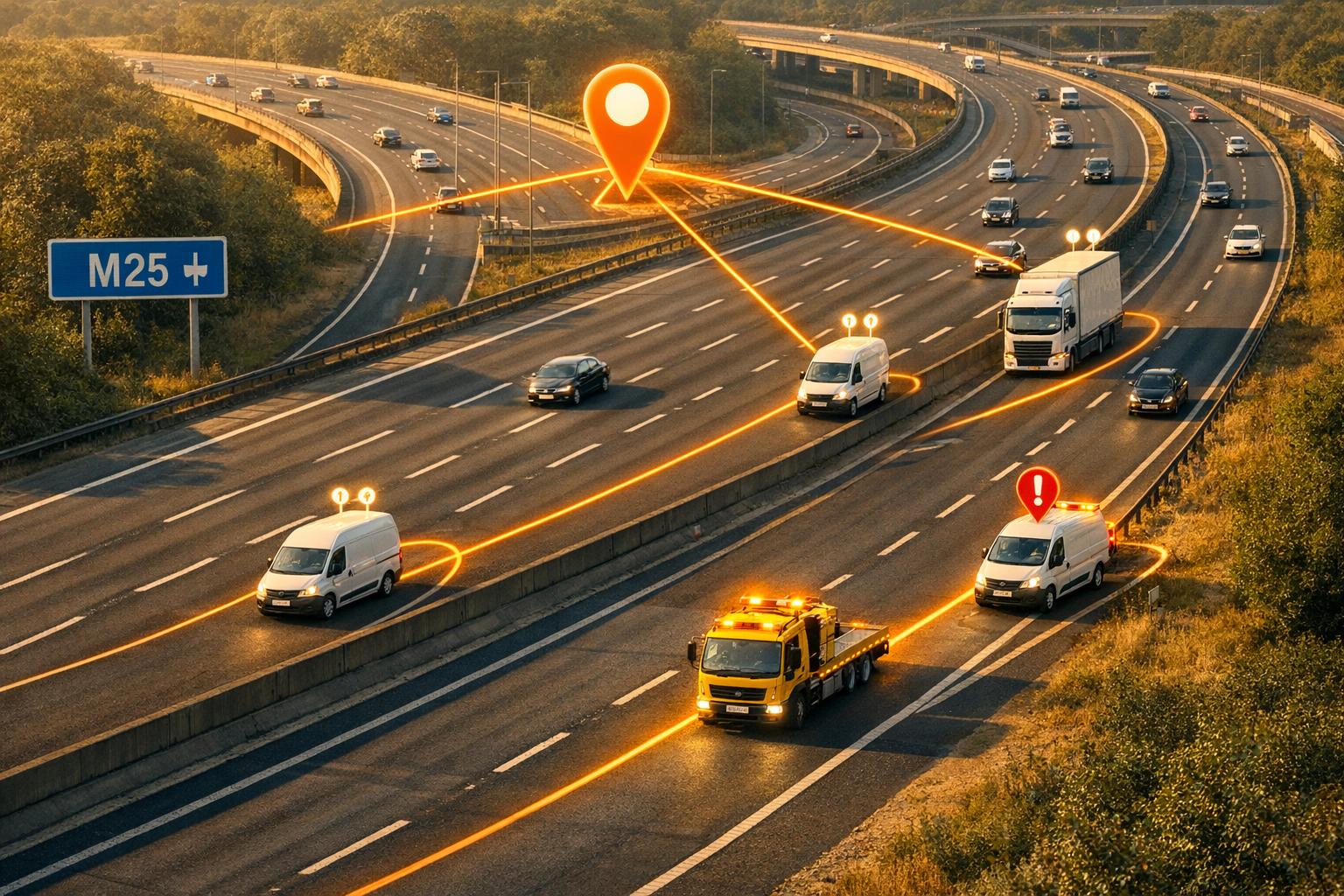
Long-distance and motorway operations face a different mix of risks. Fatigue and distraction matter more here, so dash cams vs driver monitoring systems are often a better fit. Side cameras start to make more sense when vehicles also enter busy towns or urban depots on a regular basis.
Rental and short-term hire fleets need a slightly different approach. Road-facing cameras are often the first step because hirers tend to accept outward-facing evidence more easily than in-cab recording. They can help with liability disputes without recording inside the cab. If driver-facing cameras are used, the hire agreement and privacy notice should spell out what is being recorded and why.
High-value cargo fleets tend to get the most from rear and load-space coverage. Internal cargo cameras can show the condition of goods during loading and unloading, which helps with proof-of-delivery and damage disputes. When cameras are linked to telematics triggers such as door-open events or geofence alerts, the system can flag the right clips when a security event happens.
A sensible place to start is with your own incident and claims data. Where does damage happen most often? If reversing causes most of the trouble, rear and side cameras should move up the list. If distraction sits behind a run of near-misses, a dual-facing setup is more likely to deal with the cause. Camera spend works best when it follows actual risk patterns, not a one-size-fits-all spec.
Once coverage is set, the next step is choosing which alerts and data points managers should see first.
Key Data Points, Alert Flows, and Daily Fleet Actions
Once the cameras are set up, the next step is simple: what does the system record, and what do teams do with it?
The most important data captured during safety events
For a safety event to be useful, it needs to save more than just the video clip. It should also log speed, GPS, heading, timestamp, event type, severity, vehicle ID and driver ID.
Those extra data points matter. Speed, GPS, heading and g-force help show where the event took place, how the vehicle moved, and how severe it was. Heading and movement data can point to drifting, abrupt lane changes and unsafe road position. That matters even more on UK urban roads and smart motorways, where space is tight and traffic conditions change fast.
Harsh-event flags rely on g-force readings to put a number on unsafe manoeuvres. Harsh braking, sharp cornering and sudden acceleration all create measurable thresholds, which lets fleets compare patterns across drivers and vehicles.
Where a dual-facing camera is fitted, it can also flag distraction, fatigue, phone use and seatbelt non-use. But managers should always check the clip before taking action. These are signals, not proof.
Most clips include 8–12 seconds on either side of the trigger.
From in-cab alert to manager review and driver coaching
Most systems follow the same flow: detect, alert, upload, review, coach, track.
The clip matters, of course. But the bigger point is the event data around it and the action that follows.
| Stage | Data Inputs | System Actions | Human Actions | Typical UK Fleet Use Case |
|---|---|---|---|---|
| Detection | Video stream, speed, GPS, g-force, driver-state signals | Edge AI classifies the event and assigns severity and event type | - | Tailgating on the M1, phone use during urban delivery |
| Driver Alert | Event type, severity, driver-state classification | Plays audio warning or displays visual alert | Driver corrects behaviour | Real-time distraction alerts, fatigue warnings during night trunking |
| Event Upload | Video clip, timestamp, speed, GPS, heading, vehicle and driver IDs | Compresses, encrypts and uploads the clip | - | Near-miss clips, severe speeding evidence, collision footage |
| Manager Review | Event list with scores, video clips, telematics data | Ranks events by risk, generates dashboards, flags repeat offenders | Safety manager reviews clips, validates events, decides coaching, escalation or no action | Post-incident investigation |
| Coaching | Confirmed events, driver risk profile, policy documents | Schedules coaching modules, links events to training content, records completion | Supervisor conducts a coaching conversation, shares the clip with the driver, and agrees improvement goals | One-to-one feedback for repeat harsh braking, mobile phone policy training |
| Outcome Tracking | Historical event data, coaching records, KPIs | Updates driver risk scores and produces trend reports | Management reviews trends, adjusts thresholds, and recognises improved drivers | Measuring ROI, targeting high-risk cohorts, adjusting alert rules |
For UK fleets, a good rule is to review all high-risk events within 24–48 hours.
Coaching tends to work best when the process is simple, written down and checked again later. Clear labels such as "Under review", "Coaching scheduled" and "Closed" make it much easier to track what has happened next.
How video alerts fit into wider fleet monitoring
Video works best when it sits inside the broader alert stack, not off on its own.
In practice, that means video alerts sit alongside speeding, geofence, out-of-hours movement, route deviation and theft-response alerts.
The main point is how those signals combine. A single alert may not mean much. But an out-of-hours movement event paired with a geofence exit, an ignition-on trigger and video showing an unauthorised person in the cab paints a very different picture. GRS Fleet Telematics' real-time van tracking and dual-tracker technology can bring movement and security alerts into the same workflow as video footage. Integrated platforms surface these combinations automatically, so managers can focus first on the incidents that need urgent attention.
Privacy, UK GDPR, and the Business Case for Video Analytics
UK GDPR duties for dashcams and video telematics
Once footage is recorded and reviewed, governance shapes how it can be used within the law.
If footage can identify a person or a vehicle, it counts as personal data under UK GDPR. For UK fleets, that means almost all footage captured on public roads needs controller-level governance.
For most UK fleets, legitimate interests is the usual lawful basis. The aim is usually clear enough: manage road risk, defend claims, and protect assets. That basis should be backed by a written Legitimate Interests Assessment (LIA) that weighs the business benefit against the effect on drivers and the public. Fleets should also carry out a Data Protection Impact Assessment (DPIA) before rollout, especially where inward-facing cameras or AI behaviour analysis are involved.
Here are the main governance areas, along with the mistakes that tend to trip fleets up:
| Governance Area | Meaning | Documents | Common Pitfalls for UK Fleets |
|---|---|---|---|
| Policy | Clear rules on when and why cameras record, and how footage is used | Fleet Safety & Privacy Policy | Vague wording on private-use periods or "misuse" |
| Lawful Basis | Justifying data collection, usually via legitimate interests | Legitimate Interests Assessment (LIA), Record of Processing Activities (RoPA) | Relying on consent, which is rarely freely given in an employment context |
| DPIA | Assessing privacy risks before systematic monitoring begins | DPIA Report, consultation records | Treating surveillance as low risk without analysis; not revisiting when new AI features are added |
| Retention | Routine footage deleted after about 30 days; incident clips kept only as long as needed | Data Retention Schedule | Keeping footage indefinitely "just in case" |
| Access Controls | Footage restricted to named, trained staff with audit trails | Access Control Log, User Permissions | Broad access across management without logging who viewed or exported clips |
| Redaction | Blurring third-party faces and plates before external sharing | Redaction Software/Service Logs | Sending unredacted wide-angle clips to insurers or police |
| Driver Communication | Written policy issued to all drivers before cameras go live, with signed acknowledgement | Driver Handbook, Privacy Notice, vehicle signage | Installing cameras without prior notice; not updating drivers when new analytics features are added |
A few points matter more than people expect. Audio should be off by default and switched on only in specific, justified cases. If a business uses dashcams or CCTV in work vehicles, it must also register with the ICO and pay the data protection fee. For most small businesses, that is around £52 a year.
Where fleets gain the most from real-time video analytics
Once the compliance side is sorted, the next issue is simple: where does the system pay back first?
Video analytics should do more than tick a compliance box. In practice, fleets tend to see the biggest return from fewer preventable incidents, faster handling of disputed claims, and sharper driver coaching.
| Benefit Area | How Video Analytics Contributes | Example Metrics to Track in the UK | Supporting Telematics Features |
|---|---|---|---|
| Accident Reduction | Real-time in-cab alerts interrupt risky behaviour before a collision occurs | % drop in preventable collisions; near-miss count per 100,000 miles; trend in AI-flagged events (tailgating, mobile-phone use) | Harsh-event detection, edge AI classification, driver risk scoring |
| Claim Defence | HD footage with GPS, speed, and timestamp provides clear evidence in disputed incidents | % of disputed claims resolved in the fleet's favour; average claim cost; legal fees avoided | Event upload with full telematics context, secure cloud storage |
| Driver Coaching | Event-triggered clips give coaches concrete examples rather than abstract scores | Frequency of coaching sessions; improvement in driver risk scores over time; reduction in repeated risky behaviours | Driver behaviour scoring, event severity ranking, trend reports |
| Theft Recovery | Live video combined with real-time tracking helps verify unauthorised use and supports rapid recovery | Recovery rate for stolen vehicles; time from theft to location | Dual-tracker technology, geofencing, out-of-hours movement alerts |
The pattern is pretty straightforward. If a fleet can spot risky behaviour before a crash, prove what happened after an incident, and coach drivers with clip-based evidence instead of vague feedback, the system starts to justify its cost much faster.
Theft recovery is another area where the mix of tools matters. Pairing tracking with real-time video analytics can speed recovery and help cut theft losses and insurance costs.
Conclusion: Building a Safer, More Controlled Fleet Operation
Those gains hold up best when the system is tied into tracking and alert workflows, not treated as a stand-alone camera feed.
For UK fleets, the value comes from one joined-up workflow linking video, tracking, geofencing, driver alerts, and security.
FAQs
How does real-time video analytics improve fleet safety beyond GPS tracking?
Real-time video analytics helps fleets move from after-the-fact reporting to real-time intervention. GPS can tell you where a vehicle is and how it’s moving. Video analytics goes a step further by using AI to watch driver behaviour and what’s happening on the road.
That means the system can trigger in-cab alerts in under 200 milliseconds when it spots risks like mobile phone use, drowsiness, or tailgating. And when an incident does happen, video gives you the full picture. That extra context makes driver coaching more precise and can speed up insurance claim handling too.
Which camera setup is right for my fleet?
The right setup comes down to three things: your fleet size, the type of vehicles you run, and the safety issues you want to deal with first.
- For claims support and protection against false incident reports, use a high-definition forward-facing dash camera
- For fatigue, distraction, or mobile phone use, add inward-facing sensors with real-time in-cab alerts
- For a balanced approach to risk management, go with dual-facing AI cameras
- For blind-spot cover and larger vehicles in urban areas, use multi-camera systems with a 360-degree view
What do I need to do to use fleet cameras lawfully in the UK?
To use fleet cameras lawfully in the UK, you need to follow UK GDPR and the relevant vehicle safety standards.
In practice, that means having a lawful basis for processing personal data. In most cases, that will be legitimate interests. You also need clear privacy notices that explain:
- what data you collect
- how you use it
- how long you keep it
Keep data collection tight. Only record what you need. Footage should be protected with encryption, limited access controls, and audit trails so you can see who accessed what and when.
If you use dual-facing cameras, document driver consent.
Installation matters too. Camera setups should meet industry standards, including DVS compliance where this is required.